FTC Disclosure: Vice City Locals is reader-supported. When you buy through links on this site, we may earn an affiliate commission at no extra cost to you. All opinions are our own.
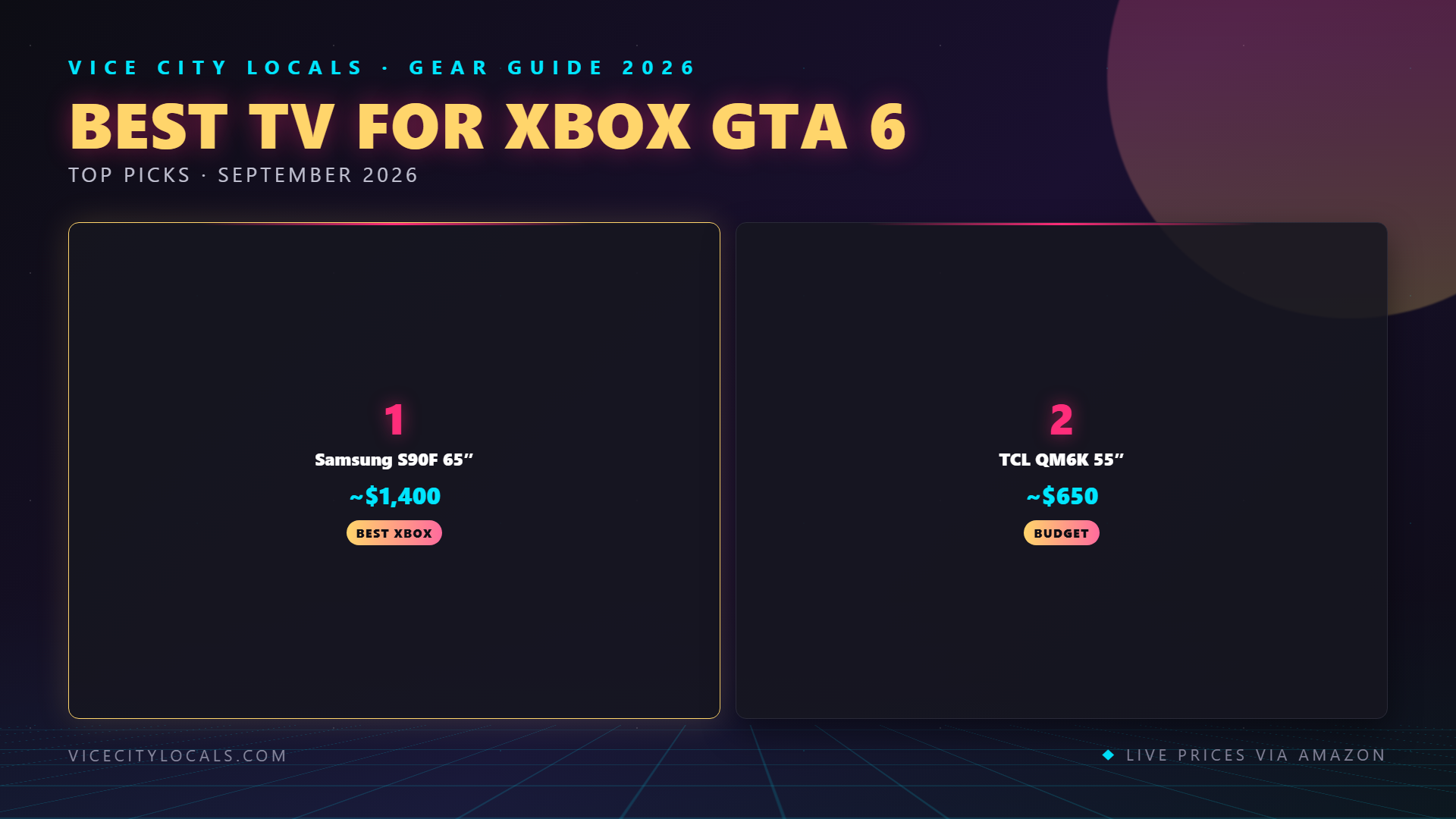
Best TV for GTA 6 on Xbox Series X — 2026
Last Updated: September 2026
The Xbox Series X is a powerhouse — 12 teraflops of GPU compute, a custom AMD Zen 2 processor, and full HDMI 2.1 bandwidth. When GTA 6 arrives on November 19, 2026, the Series X will be one of the best ways to play it. But to unlock the console’s full potential, you need a TV that speaks Xbox’s language.
Xbox has unique display advantages: FreeSync Premium Pro support, Auto HDR, and the broadest VRR compatibility of any console. This guide is built specifically for Xbox Series X players who want the absolute best GTA 6 experience.
Why Xbox Series X Has Unique Display Needs
FreeSync Premium Pro — The Xbox Advantage
The Xbox Series X supports FreeSync Premium Pro (formerly FreeSync 2 HDR), AMD’s VRR technology that combines tear-free gaming with low-latency HDR processing. This is exclusive to Xbox — the PS5 uses HDMI Forum VRR instead.
What does this mean for GTA 6? If your TV supports FreeSync Premium Pro, you get: – Tear-free gameplay even when frame rates fluctuate – Low-latency HDR — no HDR processing overhead adding input delay – Smoother experience in demanding scenes (Vice City traffic, explosions, weather effects)
Samsung TVs are the kings of FreeSync Premium Pro. If you’re on Xbox, a Samsung display gives you the best VRR experience possible.
144Hz — Why It Matters on Xbox
Most TVs offer 120Hz, but a growing number of 2026 models offer 144Hz. While the Xbox Series X won’t output 144fps for GTA 6, a 144Hz panel still benefits Xbox players: – Lower latency at 120fps (the panel processes frames faster) – Future-proofing if you ever connect a gaming PC – Smoother motion interpolation at 60fps
Game Pass Considerations
Xbox Game Pass is the best deal in gaming, and if you’re a subscriber, you might be playing GTA 6 on day one via the service (or catching up on Rockstar’s catalog). A TV optimized for Xbox means every Game Pass title benefits — not just GTA 6.
Xbox-Specific Display Features to Look For
| Feature | Why It Matters for Xbox |
|---|---|
| FreeSync Premium Pro | Xbox’s native VRR — best tearing/hdr combo |
| HDMI 2.1 (all ports) | 4K@120Hz for Series X |
| Auto HDR support | Xbox enhances older games with HDR automatically |
| 144Hz refresh | Future-proof + lower latency at 120Hz |
| Dolby Vision | Supported on Xbox for streaming media (not gaming) |
| Multiple HDMI 2.1 ports | Xbox + soundbar + other devices |
Top TVs for GTA 6 on Xbox Series X
Comparison Table
| TV | Panel | Refresh Rate | VRR | Price (65″) | Xbox Rating |
|---|---|---|---|---|---|
| Samsung S90F OLED | QD-OLED | 144Hz | FreeSync Premium Pro | ~$1,800 | ⭐⭐⭐⭐⭐ |
| TCL QM6K | Mini-LED QLED | 144Hz | FreeSync + HDMI VRR | ~$650 | ⭐⭐⭐⭐⭐ |
| Hisense U8QG | Mini-LED | 144Hz | FreeSync + HDMI VRR | ~$900 | ⭐⭐⭐⭐ |
1. Samsung S90F OLED — Best OLED TV for Xbox Series X

If you’re playing GTA 6 on an Xbox Series X, the Samsung S90F OLED is the single best TV you can buy. Full stop. Here’s why Samsung + Xbox is the dream combo:
FreeSync Premium Pro — Fully Supported
The S90F has full FreeSync Premium Pro certification. This means GTA 6 runs with zero screen tearing, low-latency HDR, and smooth frame pacing — all handled at the panel level. When you’re tearing through Vice City at 120fps, you won’t see a single stutter.
144Hz QD-OLED Panel
The S90F’s third-generation QD-OLED panel runs at 144Hz — the highest refresh rate available on a mainstream OLED TV. Combined with Xbox’s 4K@120Hz output, you get the smoothest, most responsive GTA 6 experience possible on a console.
HDR10+ Gaming
Samsung’s HDR10+ Gaming format is designed to work with Xbox’s dynamic metadata HDR pipeline. While PS5 players miss out (Samsung doesn’t support Dolby Vision), Xbox players get Samsung’s full HDR ecosystem.
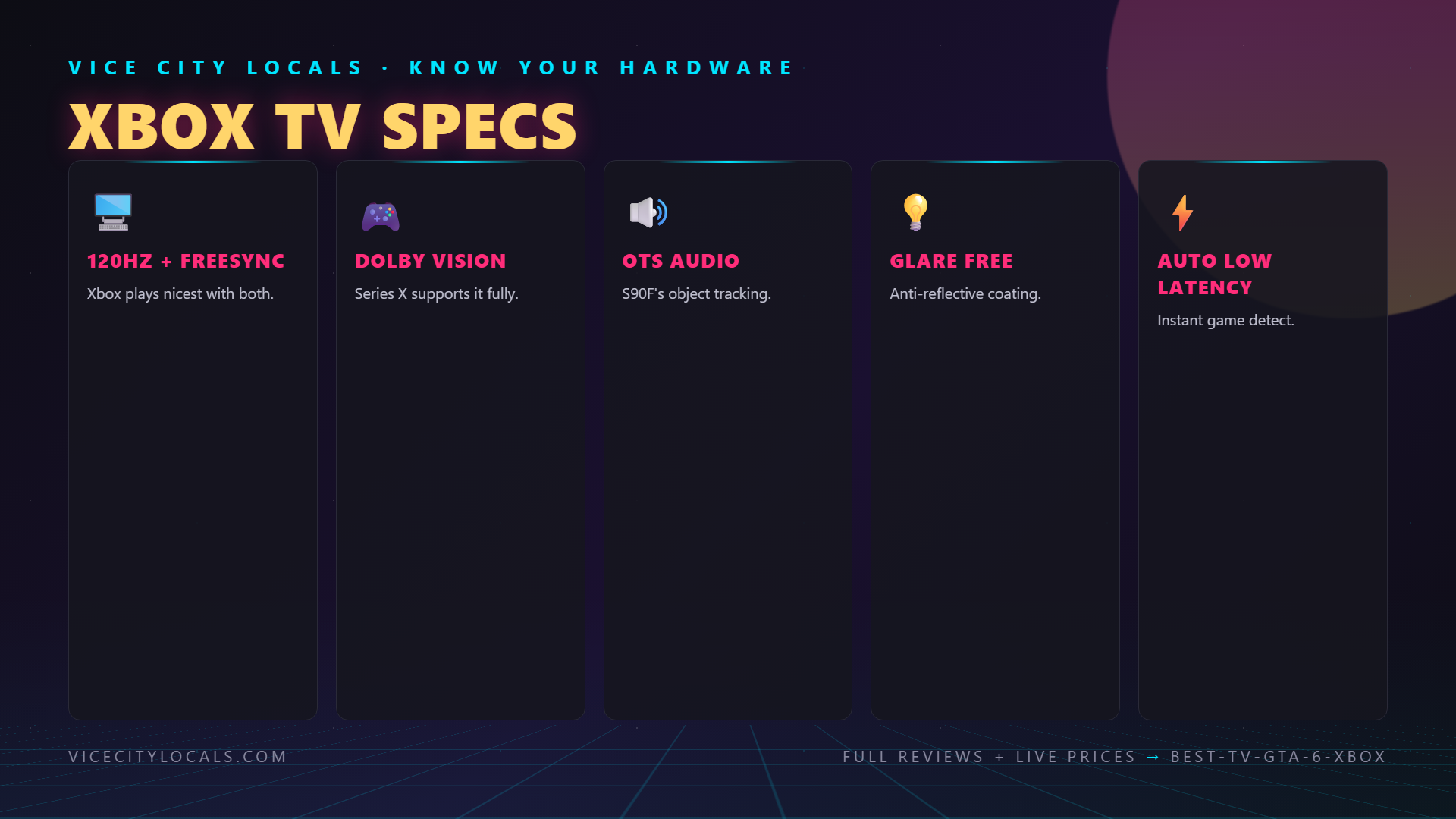
Key Specs for Xbox: – 4K 144Hz QD-OLED – FreeSync Premium Pro certified – 4× HDMI 2.1 ports (all full-bandwidth) – Under 6ms input lag in Game Mode – HDR10+ Gaming support – Auto Low Latency Mode (ALLM)
Trade-off: At ~$1,800 for the 65″, it’s a significant investment. But for Xbox Series X players who want the best, nothing else comes close.
2. TCL QM6K — Best Value TV for Xbox Series X

Not everyone has $1,800 to spend on a TV. The good news? The TCL QM6K delivers about 85% of the Samsung S90F’s Xbox gaming experience for about 35% of the price.
FreeSync + HDMI Forum VRR — Both Supported
The QM6K supports both FreeSync (Xbox’s native VRR) and HDMI Forum VRR (PS5’s VRR). This dual support means you’re covered no matter what console you play on — and the VRR implementation is genuinely excellent for a TV at this price.
144Hz Mini-LED for Under $650
The QM6K’s 144Hz Mini-LED panel matches the Samsung S90F’s refresh rate at less than half the cost. Mini-LED can’t match OLED’s perfect blacks, but it delivers higher peak brightness — which actually helps HDR pop in Vice City’s sun-soaked daytime scenes.
Key Specs for Xbox: – 4K 144Hz Mini-LED QLED – FreeSync + HDMI Forum VRR – HDMI 2.1 (full bandwidth on gaming ports) – Dolby Vision + HDR10+ (both formats supported) – Game Accelerator mode for low latency – Input lag under 10ms in Game Mode
Trade-off: Mini-LED bloom/halo around bright objects on dark backgrounds (common to all Mini-LEDs at this price). Viewing angles are narrower than OLED. But for Xbox Series X gaming, the value proposition is unbeatable.
3. Hisense U8QG — Best Mini-LED TV for Xbox Series X
The Hisense U8QG is the premium Mini-LED option for Xbox Series X players who want more brightness and dimming zones than the TCL QM6K offers, without paying OLED prices.
Why it’s great for Xbox: – Higher peak brightness than the TCL QM6K — Vice City’s beaches and sunsets look spectacular – More dimming zones — deeper blacks and less blooming than budget Mini-LEDs – 144Hz native refresh — matches the best gaming TVs available – Full HDMI 2.1 with 4K@120Hz support – FreeSync Premium Pro — full Xbox VRR compatibility – Dolby Vision — supported for streaming media (Netflix, Disney+, etc.)
Key Specs: – 4K 144Hz Mini-LED – FreeSync Premium Pro + HDMI Forum VRR – Dolby Vision + HDR10+ – ~900 nits peak brightness – Low input lag in Game Mode Pro
Trade-off: At ~$900 for 65″, it’s more expensive than the TCL QM6K and doesn’t offer OLED-level contrast. But if you game in a bright room and want Mini-LED HDR pop, the U8QG is the best Mini-LED for Xbox at this price.
Xbox Series X Display Settings for GTA 6
Once you’ve got your TV, make sure your Xbox is configured correctly:
Xbox Display Settings Checklist
- Settings → General → TV & display options
- Set Video fidelity to 4K UHD (8-bit) or 10-bit if your TV supports it
- Enable Allow 4K, Allow HDR10, and Allow Auto HDR
- Under Advanced, enable Variable refresh rate → Always on
- Enable 120Hz if available on your TV
- Set Color depth to 10-bit for full HDR color
- Set Color space to Standard (recommended for most TVs)
TV Settings Checklist
- Enable Game Mode (or Game Mode Plus/Pro)
- Enable VRR / FreeSync
- Enable ALLM (Auto Low Latency Mode)
- Set HDMI Ultra HD Deep Color to ON for the port connected to your Xbox
- Disable motion smoothing / motion interpolation (causes input lag)
- Set HDR to ON or Auto
FAQ
Q: Does Xbox Series X support Dolby Vision for gaming?
A: No. Xbox Series X supports Dolby Vision for media streaming (Netflix, Disney+), but not for gaming. For HDR gaming, Xbox uses HDR10 and Auto HDR. Samsung TVs (which use HDR10+ instead of Dolby Vision) are naturally well-matched with Xbox.
Q: Is FreeSync Premium Pro better than HDMI Forum VRR?
A: FreeSync Premium Pro offers an advantage: it guarantees low-latency HDR processing alongside VRR. HDMI Forum VRR handles tearing well but doesn’t have the same HDR latency guarantees. In practice, both work well, but FreeSync Premium Pro gives Samsung TVs an edge on Xbox.
Q: Can I play GTA 6 at 120fps on Xbox Series X?
A: That depends on Rockstar’s implementation. The Xbox Series X supports 120fps output, but GTA 6’s target frame rate hasn’t been confirmed. A 120Hz TV ensures you’re ready for any performance mode Rockstar offers.
Q: Do I need all 4 HDMI ports to be HDMI 2.1?
A: Not necessarily, but it’s nice to have. If you have an Xbox Series X, a soundbar with eARC, and possibly a PS5 or PC, you’ll want at least 2–3 HDMI 2.1 ports. Budget TVs often limit HDMI 2.1 to specific ports.
Q: Will GTA 6 be on Game Pass at launch?
A: Unlikely at launch. Rockstar’s major releases typically stay off subscription services for extended periods. However, older GTA titles may be on Game Pass, so an Xbox-optimized TV benefits your entire library.
Final Thoughts
The Xbox Series X is a remarkable console, and GTA 6 is going to push it to its limits. To get the most out of Vice City on Xbox, you need a TV that supports FreeSync Premium Pro, HDMI 2.1, 120Hz (or 144Hz), and HDR. Here are our final picks:
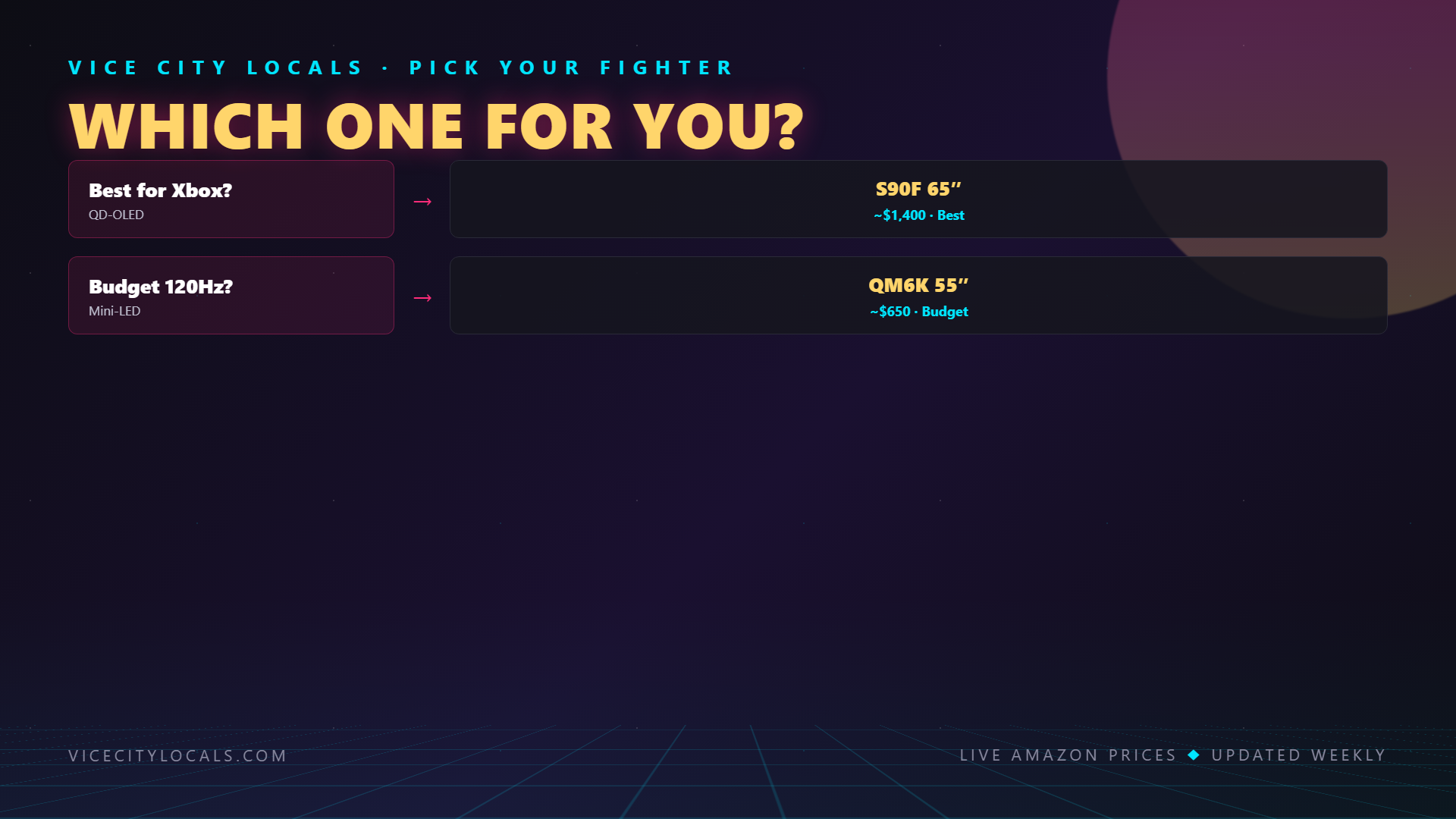
- Best overall for Xbox: Samsung S90F OLED — Check Price (FreeSync Premium Pro + 144Hz QD-OLED = the dream)
- Best value for Xbox: TCL QM6K — Check Price (55″) (85% of the S90F’s performance for 35% of the price)
- Best Mini-LED for Xbox: Hisense U8QG (brighter HDR + more dimming zones than the QM6K)
The Samsung S90F and Xbox Series X are a match made in heaven. If you can swing it, go for the S90F. If budget is tight, the TCL QM6K gives you nearly everything you need for half the price.
Either way, set up your Xbox display settings correctly, enable FreeSync, and get ready for Vice City. November 19, 2026 can’t come soon enough.
Related GTA 6 Guides
- Best TV for GTA 6 — Buying Guide
- Best TV for GTA 6 on PS5
- Best 120Hz TV — VRR & HDMI 2.1
- Best GTA 6 Controllers for Xbox
- Best GTA 6 Setup for Xbox — Complete
Want GTA 6 news the second it drops? Join the Locals — our free newsletter. No spam, unsubscribe anytime.