Best Budget Headphones for GTA 6 — Under $100
Last Updated: September 2026
Related GTA 6 Guides
- Best Gaming Headphones for GTA 6
- Best Budget Controllers for GTA 6
- Best Budget TV (Under $500)
- GTA 6 Launch Night Setup
FTC Disclosure: Vice City Locals is reader-supported. When you buy through links on this site, we may earn an affiliate commission at no additional cost to you. All opinions are our own.
Let’s be real: GTA 6 is already costing you $70 for the game itself. Not everyone has $300+ left over for a flagship gaming headset. The good news? You absolutely don’t need to spend that much to have a great audio experience in Vice City. In fact, the gap between a $50 headset and a $350 headset is narrower than the marketing departments at these companies would have you believe.
This guide is for the pragmatists. The players who want solid audio, a working microphone, and enough comfort for a few hours of open-world chaos — all without spending more than $100. Every headset here delivers on that promise.
The Budget Reality Check: What You Get vs What You Give Up
Before diving into the picks, let’s set honest expectations. Here’s what a sub-$100 headset does — and doesn’t — deliver:
✅ What You Still Get
| Feature | Budget Reality |
|---|---|
| Decent sound quality | Budget headsets use smaller drivers (40mm vs 50mm) but still reproduce GTA 6’s audio clearly. You’ll hear radio stations, dialogue, and effects without issue. |
| Comfort | Many budget headsets are actually lighter than premium models. Less metal = less weight on your head. |
| Working microphone | Every pick here has a functional boom mic for GTA Online chat. Quality won’t be stream-worthy, but your party will hear you clearly. |
| Platform compatibility | All work on PS5 and Xbox via 3.5mm jack or USB. No expensive adapters needed. |
| Spatial audio | Both PS5 Tempest 3D Audio and Xbox Windows Sonic work with budget headsets. You still get positional audio for free. |
❌ What You Sacrifice
| Feature | What You Lose |
|---|---|
| Active Noise Cancellation | No ANC on any sub-$100 headset. You’ll hear your environment. |
| Wireless freedom | True 2.4GHz wireless under $100 is rare and usually compromises heavily. Most budget picks are wired. |
| Premium build materials | Expect plastic instead of aluminum. Ear cushions are pleather, not memory foam. |
| Advanced spatial audio | No Dolby Atmos tuning or proprietary spatial engines (though free platform options still work). |
| Audiophile sound quality | Bass may be muddy, highs may be slightly harsh. Not studio-grade — but perfectly fine for gaming. |
| Long-term durability | Budget headsets have a 1–2 year realistic lifespan vs 3–5 years for premium models. |
The bottom line: A $50–$100 headset delivers 80% of the GTA 6 audio experience for 15% of the cost. That’s an excellent value proposition.
Our Budget Picks
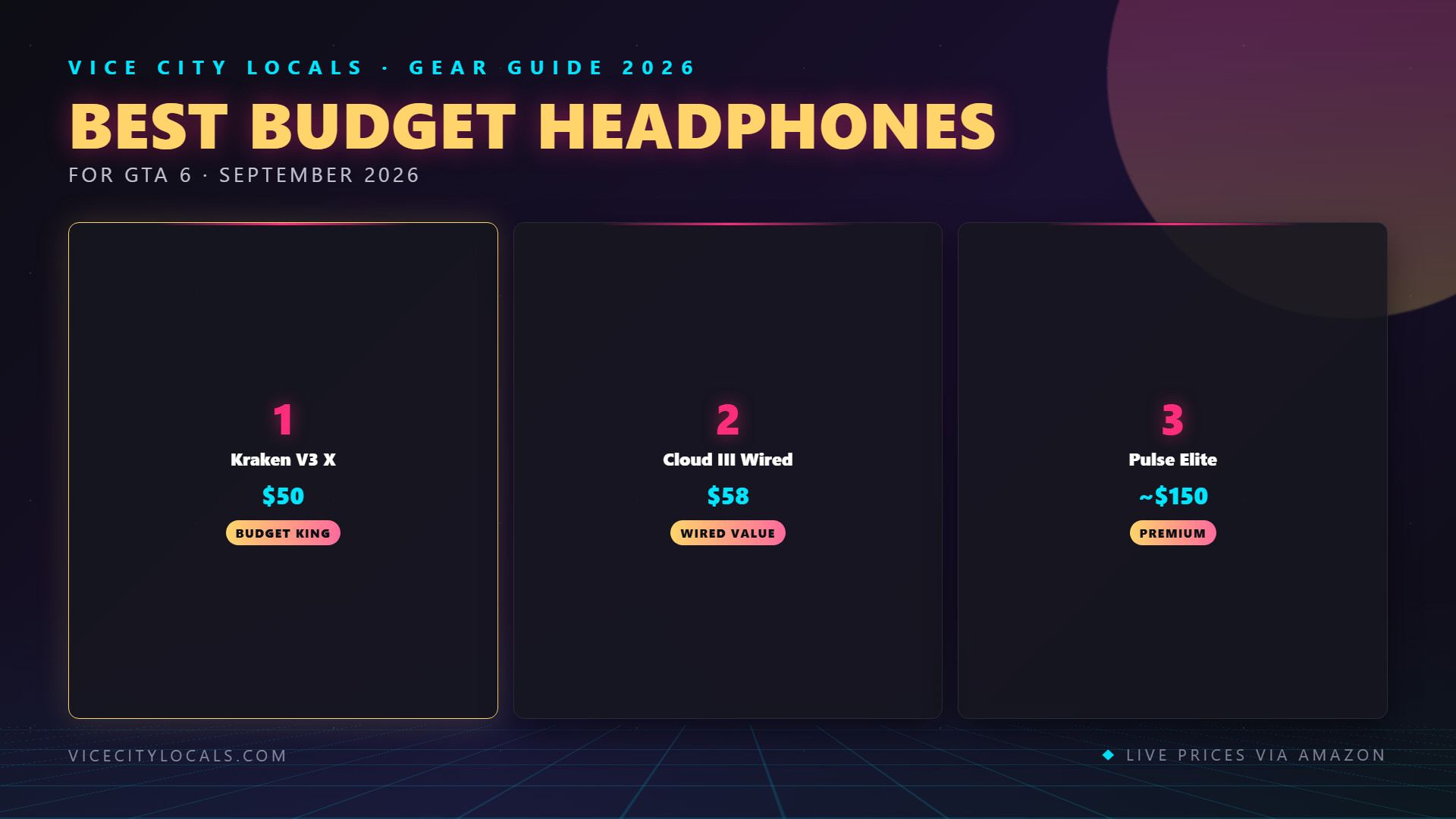
1. Razer Kraken V3 X — Best Ultra-Budget Pick ($50)

At ~$50, the Kraken V3 X is the headset that makes you question why anyone spends more. It’s wired (3.5mm), lightweight, and tuned for the fun, bass-forward sound that makes open-world games feel alive. For GTA 6 specifically, it punches dramatically above its weight class.
Why it leads the budget pack:
- TriForce 40mm drivers. Razer’s driver design separates bass, mids, and highs into distinct zones within each ear cup. The result is clearer audio than you’d expect at this price — radio stations sound rich, dialogue stays intelligible.
- HyperClear cardioid mic. This is genuinely one of the best microphones in any sub-$60 headset. It picks up your voice clearly while rejecting side noise. Your GTA Online crew will hear you without the static.
- Ultra-light at 240g. Lighter than headsets costing 4x more. You can wear this for hours without neck fatigue.
- Universal 3.5mm connection. Plug into your DualSense, Xbox controller, PC, Switch, or phone. It works on everything, instantly. No setup, no drivers, no dongle.
- THX Spatial Audio support (PC only, via Razer Synapse). On PC, you get 7.1 virtual surround for free.
What you give up: It’s wired — the cable is 1.3m, which is fine for controller-connected play but may be short for some desk setups. No wireless option. Build is lightweight plastic. No ANC.
Best for: Players who want maximum bang-for-buck and don’t mind a wire.
2. HyperX Cloud III (Wired) — Best Comfort Under $100 ($80)

HyperX built its reputation on comfort, and the wired Cloud III is the embodiment of that philosophy. At ~$80, it delivers plush memory foam ear cushions, a lightweight aluminum frame, and the kind of all-day comfort that makes you forget you’re wearing a headset. If the Kraken V3 X is about sound-per-dollar, the Cloud III is about comfort-per-dollar.
What makes it special:
- Legendary HyperX comfort. The Cloud line has been the comfort benchmark for years, and the III refines it further. Thick memory foam ear cushions conform to your head, and the aluminum frame keeps weight low while distributing pressure evenly.
- Angled 53mm drivers. Larger than the Kraken’s 40mm drivers, these deliver warmer, more impactful bass — perfect for Vice City’s radio stations and explosive action set pieces.
- DTS Headphone:X spatial audio. Built-in virtual surround for 3D positional awareness on PC. On PS5, it benefits from Tempest 3D Audio; on Xbox, Windows Sonic handles spatial duties.
- 10mm boom mic with improved clarity over the Cloud II. Good enough for streaming, not just chat.
- Durable aluminum frame. Unlike all-plastic budget competitors, the Cloud III has an aluminum headband that won’t crack over time. This headset will outlast most $50 options by years.
- USB dongle included. Connect via 3.5mm for simplicity, or use the included USB dongle for PC access to DTS spatial audio and EQ software.
What you give up: It’s wired — either via 3.5mm or USB. No wireless. No ANC. The included USB dongle only works on PC, not consoles.
Best for: Players who prioritize comfort above all else and want a headset that lasts.
3. Sony Pulse 3D — Best Budget PS5-First Option ($100 on Sale)

The Pulse 3D was the PS5’s launch headset, and while it’s been partially superseded by the Pulse Elite, it remains the most affordable way to get a headset purpose-built for PS5’s Tempest 3D Audio engine. At ~$100 (and frequently on sale for less), it’s the budget pick that’s most tightly integrated with the PS5 ecosystem.
Why PS5 players should consider it:
- Optimized for Tempest 3D Audio. The drivers are voiced specifically to work with Sony’s spatial audio engine. Positional cues are surprisingly precise for the price.
- Direct PS5 Link wireless. No dongle required — pairs natively with the PS5 like a DualSense controller. This is the only wireless option in our budget lineup.
- Dual hidden microphones built into the ear cups. No boom arm. The mic quality is decent for chat, and the hidden design is aesthetically clean.
- Lightweight and flexible. The two-tone white design matches the PS5, and the headband is flexible enough to fit any head size comfortably.
What you give up: Build quality screams “budget” — lots of plastic, and the ear cushions aren’t as plush as competitors. Battery life is ~12 hours (weakest in this lineup). It’s PS5-only for wireless (works wired on other devices). No ANC.
Best for: PS5 players who want wireless + Tempest optimization for under $100.
Budget Headset Comparison
| Feature | Kraken V3 X | Cloud III (Wired) | Pulse 3D |
|---|---|---|---|
| Price | ~$50 | ~$80 | ~$100 |
| Connection | 3.5mm wired | 3.5mm + USB wired | PS5 wireless |
| Driver size | 40mm | 53mm | Proprietary |
| Weight | 240g | ~335g | ~290g |
| Mic quality | Good (cardioid) | Good (10mm boom) | Decent (hidden dual-mic) |
| Spatial audio | THX (PC only) | DTS (PC only) + Tempest/Xbox native | Tempest 3D native |
| Build | Plastic | Aluminum frame + plastic | Plastic |
| Platforms | All (3.5mm) | All (3.5mm) / PC (USB) | PS5 wireless / All (wired) |
| Best for | Maximum value | Comfort + durability | PS5 wireless on a budget |
Maximizing Your Budget Headset’s Performance
A budget headset can sound even better with a few free tweaks:
On PS5
- Enable 3D Audio for Headphones (Settings → Sound → Audio Output). This is free and works with any headset.
- Run the ear profile measurement to personalize spatial audio to your head shape.
- Boost bass slightly in the EQ settings (if available for your headset) to enhance radio stations.
On Xbox
- Enable Windows Sonic for Headphones (Settings → General → Volume & audio output → Headset audio). It’s free and provides spatial audio.
- If you can spare $15, upgrade to Dolby Atmos for Headphones for superior precision.
On PC
- Use the manufacturer’s software (Razer Synapse, HyperX NGENUITY) to enable spatial audio.
- Apply a bass-boost EQ preset — budget headsets benefit from this more than premium ones.
- Keep the headset’s USB dongle (if applicable) elevated with a USB extension cable for best wireless range.
When to Upgrade from Budget
A budget headset is a smart starting point, but you might want to upgrade if:
- You start streaming GTA Online. Budget mics are fine for party chat but won’t sound professional on stream.
- You play 5+ hours per session regularly. Budget build quality and comfort can’t match premium models for marathon sessions.
- You want wireless freedom. True 2.4GHz wireless with good battery life costs $130+ (see the Turtle Beach Stealth 600 Gen 3).
- You develop audiophile tendencies. Once you hear what planar magnetic drivers (Pulse Elite, Audeze Maxwell) can do, budget dynamic drivers lose their appeal.
FAQ
Is a $50 headset actually good enough for GTA 6?
Yes. The Razer Kraken V3 X delivers clear sound, a quality mic, and comfortable fit for $50. You’ll experience GTA 6’s radio stations, spatial audio, and dialogue perfectly well. The $300 headset sounds better, but the $50 one sounds good — and that’s what matters.
Should I buy wired or wireless in this price range?
Wired. True 2.4GHz wireless under $100 usually means major compromises in sound quality or build. The one exception is the Sony Pulse 3D, which uses PS5’s native wireless protocol and avoids the usual budget wireless pitfalls. For Xbox players, stick with wired in this range.
Can budget headsets take advantage of spatial audio?
Absolutely. PS5 Tempest 3D Audio works with ANY headset, including $30 earbuds. Xbox Windows Sonic is also free and universal. You get full spatial audio regardless of headset price. The difference is that premium headsets reproduce spatial cues with more precision — but the 3D processing itself is free.
How long will a budget headset last?
Realistically, 1–3 years depending on usage and care. Budget headsets use thinner plastics, lower-quality hinges, and cheaper cables that wear faster than premium alternatives. The HyperX Cloud III’s aluminum frame is the exception — it’ll outlast its $50 competitors significantly.
Are budget headset microphones usable for GTA Online?
Yes. All three picks on this list have mics that are perfectly clear for party chat and GTA Online voice communication. The Kraken V3 X’s HyperClear cardioid mic is particularly impressive for the price. None are stream-worthy, but all are chat-worthy.
Final Thoughts
Don’t let headset marketing convince you that you need to spend $300+ to enjoy GTA 6. The honest truth is that a $50–$100 headset delivers the vast majority of the experience. Here’s how to choose:
Our budget recommendations:
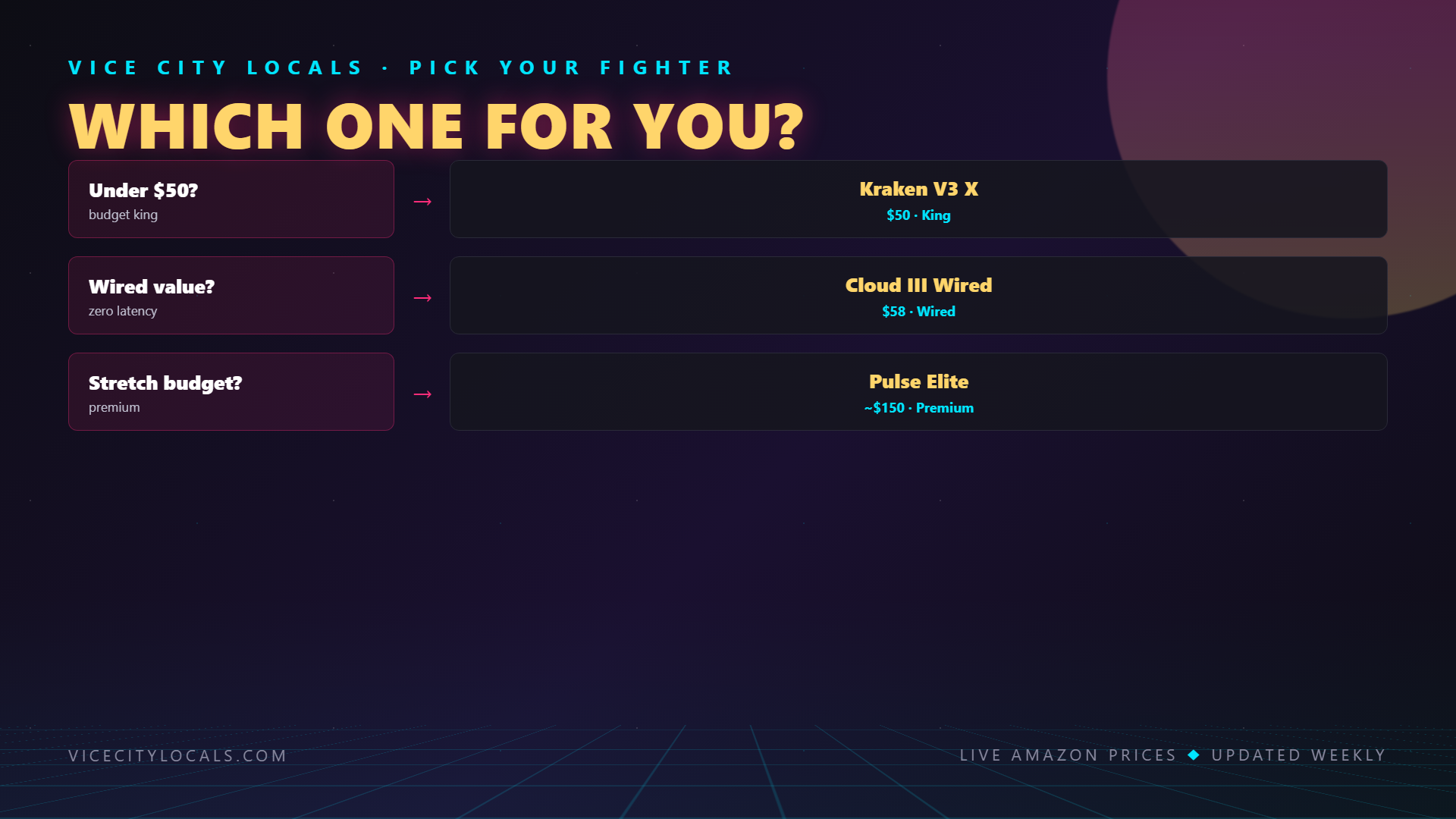
- Spend the least, get the most? → Razer Kraken V3 X — $50, wired, works on everything
- Best comfort and durability? → HyperX Cloud III Wired — $80, aluminum frame, memory foam
- PS5 player who wants wireless? → Sony Pulse 3D — $100, native PS5 wireless, Tempest-optimized
Save the money you’d spend on a flagship headset. Put it toward snacks for your GTA 6 marathon instead. Vice City doesn’t care if your headset cost $50 or $500 — it’ll sound incredible either way.
Great audio doesn’t have to cost a fortune. Go save Vice City.
Want GTA 6 news the second it drops? Join the Locals — our free newsletter. No spam, unsubscribe anytime.