FTC Disclosure: Vice City Locals is reader-supported. When you buy through links on this site, we may earn an affiliate commission at no extra cost to you. All opinions are our own.
Best OLED TV for GTA 6 — 2026
Last Updated: September 2026
OLED is the gold standard for picture quality, and GTA 6 might be the most OLED-worthy game ever made. Think about it: Vice City at night. Neon signs glowing against perfect black skies. Rain-slicked streets reflecting streetlights with infinite contrast. Shadows so deep you can’t tell where the alley ends and the darkness begins. That’s the OLED difference.
This guide is a deep dive into the best OLED TVs for GTA 6. We’ll explain why OLED matters for this specific game, compare the top panels on the market, address the burn-in question head-on, and help you pick the right OLED for your setup before November 19, 2026.
Why OLED Is Perfect for GTA 6
Perfect Blacks = Perfect Night Scenes
Vice City is a city that comes alive at night. Neon signs, club lights, car headlights cutting through darkness — this is OLED’s showcase scenario. Unlike LED/Mini-LED TVs, which use a backlight (meaning blacks are actually dark gray), OLED pixels turn off completely. A turned-off pixel emits zero light. The black parts of the screen are truly black.
This matters enormously for GTA 6’s night scenes. On a Mini-LED TV, Vice City’s night sky will have a subtle gray glow from the backlight. On OLED, the sky is pitch black, and the neon signs pop with stunning contrast. It’s a transformative difference.
Infinite Contrast Ratio
Contrast ratio is the difference between the darkest and brightest parts of an image. OLED’s contrast ratio is literally infinite — there’s no limit, because black is zero. No LED technology can match this. For a game like GTA 6, which features extreme dynamic range (dark nights to blinding daytime), infinite contrast means every scene looks its best.
Instant Pixel Response Time
OLED pixels respond in 0.03 milliseconds — effectively instant. Compare this to LED panels (2–8ms typical). What does this mean for GTA 6? Zero motion blur from pixel transitions. When you’re doing 150mph down Vice City’s highways, fast-moving objects stay razor-sharp instead of smearing.
Per-Pixel Dimming
Mini-LED TVs have hundreds or thousands of dimming zones. OLED has 8.3 million dimming zones (one per pixel). This means HDR highlights are perfectly contained — a streetlamp in a dark scene glows brightly without bleeding light into the surrounding darkness. Mini-LED can approximate this, but OLED does it flawlessly.
OLED Panel Types: QD-OLED vs WOLED vs MLA OLED
Not all OLEDs are the same. In 2026, there are three major OLED panel technologies you need to understand:
QD-OLED (Quantum Dot OLED)
Used by: Samsung (S90F, S95F)
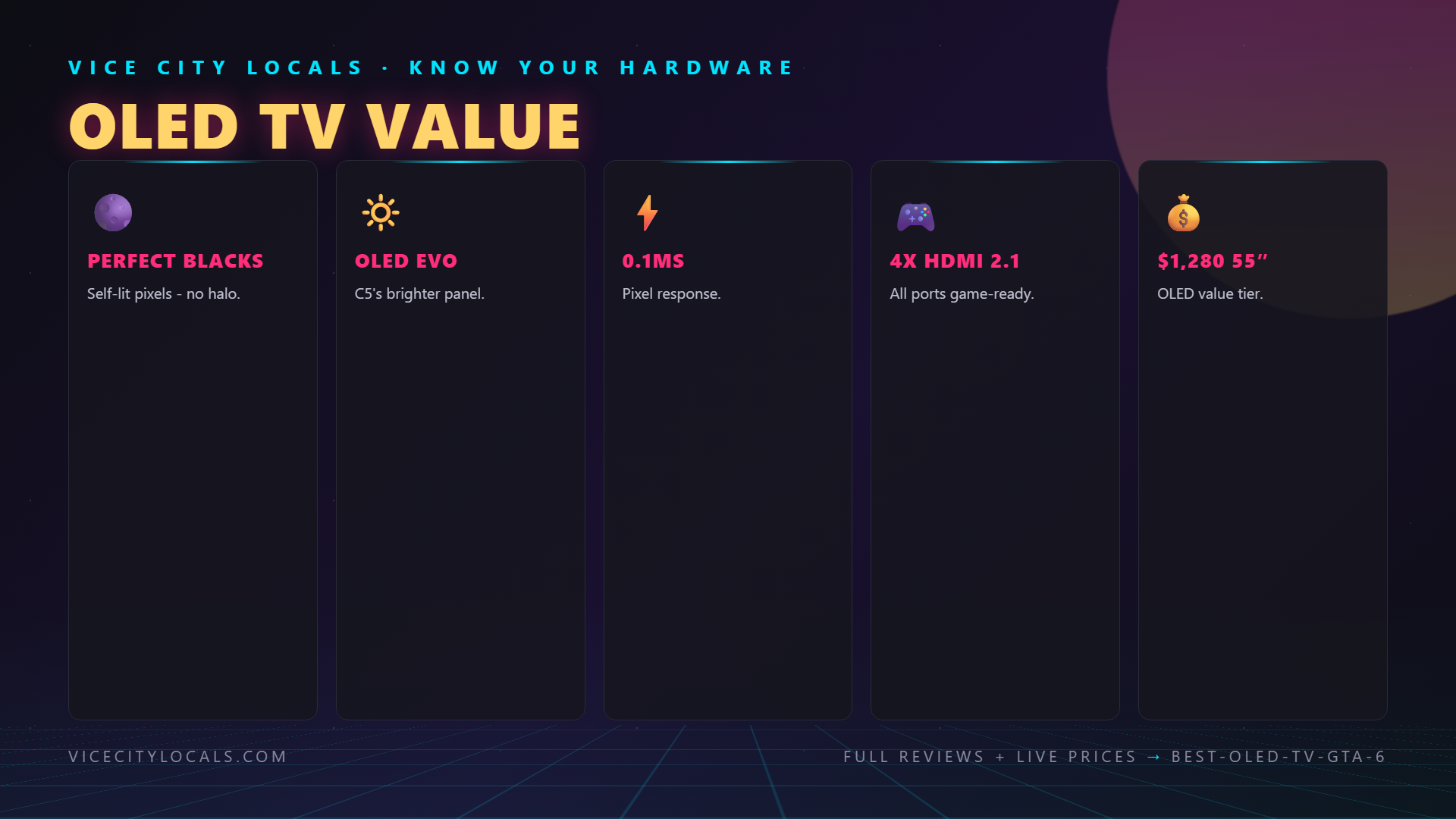
QD-OLED combines OLED’s self-emissive pixels with a quantum dot layer that enhances color and brightness. The result is higher peak brightness and wider color volume than traditional WOLED. QD-OLED panels are noticeably brighter in HDR, making them ideal for well-lit rooms.
- Pros: Brighter, more vibrant colors, excellent HDR pop
- Cons: No Dolby Vision support (Samsung uses HDR10+)
- Best for: Bright rooms, HDR enthusiasts, Xbox players
WOLED (White OLED)
Used by: LG (C5, B5)
WOLED uses white OLED subpixels with color filters. This traditional approach offers slightly lower peak brightness than QD-OLED but excels in color accuracy and Dolby Vision support. LG’s WOLED panels are the reference standard for home theater enthusiasts.
- Pros: Dolby Vision support, excellent color accuracy, mature technology
- Cons: Lower peak brightness than QD-OLED
- Best for: PS5 players (Dolby Vision), home theater use, dark rooms
MLA OLED (Micro Lens Array)
Used by: LG (G6)
LG’s MLA technology adds a microscopic lens layer to the WOLED panel, focusing light more efficiently. This boosts brightness by 20–30% over standard WOLED, narrowing the gap with QD-OLED while retaining Dolby Vision support. MLA is LG’s premium OLED technology.
- Pros: Brightest WOLED, Dolby Vision, premium processing
- Cons: Most expensive OLED tier
- Best for: Players who want maximum brightness AND Dolby Vision
Top OLED TVs for GTA 6
Comparison Table
| TV | Panel Type | Refresh Rate | Dolby Vision | Peak Brightness | Price (65″) |
|---|---|---|---|---|---|
| Samsung S90F | QD-OLED | 144Hz | ❌ (HDR10+) | ~1,500 nits | ~$1,800 |
| LG C5 | WOLED | 120Hz | ✅ | ~1,300 nits | ~$1,900 |
| Samsung S95F | QD-OLED (premium) | 144Hz | ❌ (HDR10+) | ~1,800 nits | ~$2,500 |
| LG G6 | MLA OLED | 144Hz | ✅ | ~1,700 nits | ~$2,200 |
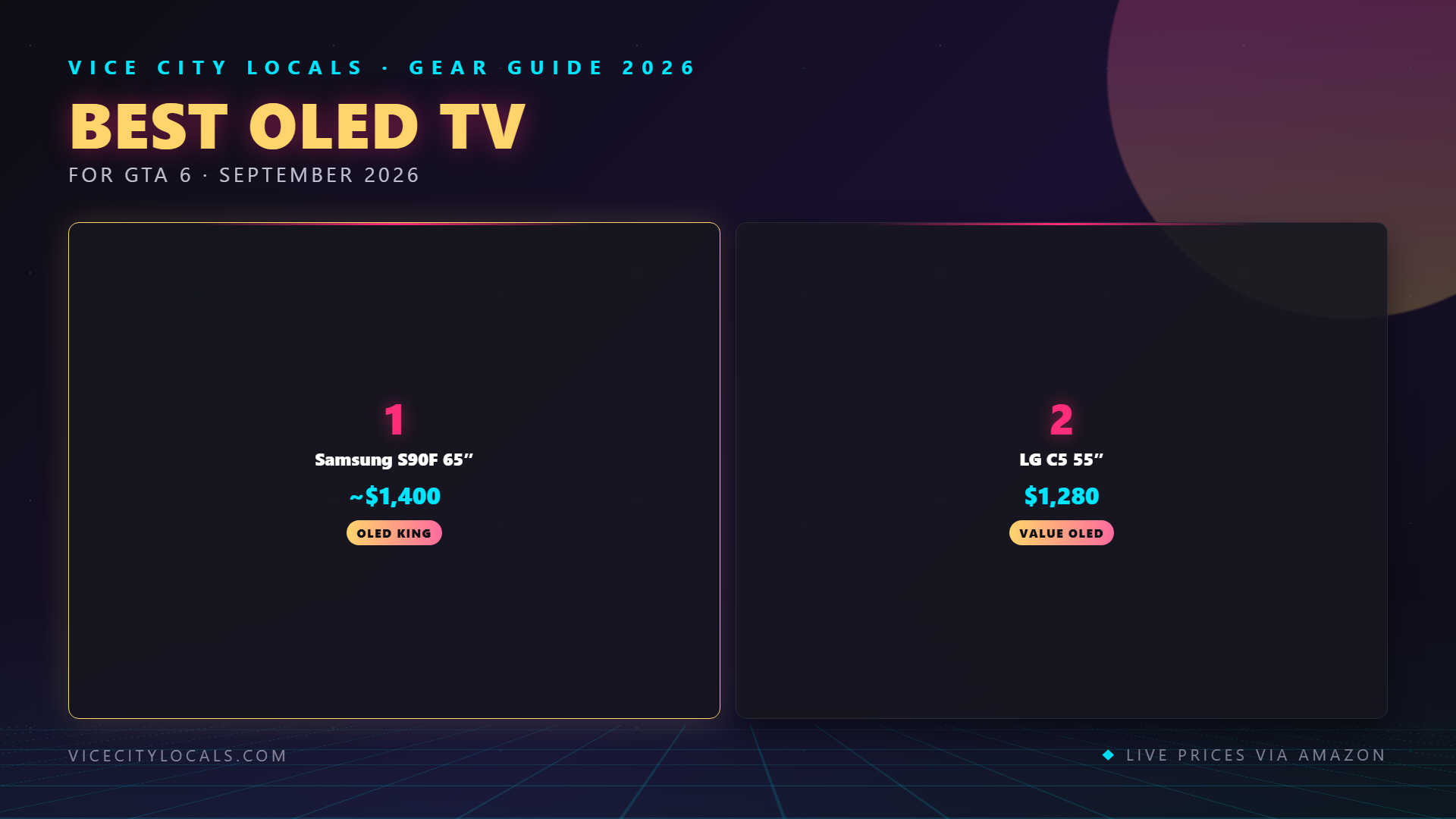
1. Samsung S90F OLED — Best Overall OLED for GTA 6

The Samsung S90F is our pick for the best overall OLED TV for GTA 6. It uses Samsung Display’s third-generation QD-OLED panel, which delivers the best balance of brightness, color, contrast, and gaming performance available in 2026.
Why QD-OLED wins for GTA 6:
Brightness — The QD-OLED Advantage Vice City is a sun-drenched city. Beach scenes, ocean reflections, glaring midday sun — these scenes demand brightness. QD-OLED’s ~1,500-nit peak brightness is significantly higher than WOLED’s ~1,300 nits. HDR highlights (explosions, neon signs, reflective surfaces) pop with more intensity on the S90F.
144Hz Refresh Rate The S90F’s 144Hz panel is a step above the LG C5’s 120Hz. While GTA 6 won’t run at 144fps on consoles, the higher refresh rate delivers lower input lag and smoother motion processing. Every frame from your PS5 or Xbox is processed faster.
Quantum Dot Color Volume QD-OLED’s quantum dot layer produces wider color volume than WOLED — meaning colors remain vibrant even at high brightness levels. Vice City’s saturated neon palette (pink, cyan, electric blue) looks stunning on this panel.
FreeSync Premium Pro The S90F supports FreeSync Premium Pro — the best VRR implementation for Xbox Series X. If you’re an Xbox player, this is the OLED to get.
Key Specs: – 65″ QD-OLED panel (also available in 55″) – 4K 144Hz refresh rate – HDR10+ Gaming – FreeSync Premium Pro + HDMI Forum VRR – 4× HDMI 2.1 ports – Under 6ms input lag in Game Mode – ~$1,800 (65″), ~$1,300 (55″)
Trade-off: No Dolby Vision. If you’re a PS5 player who specifically wants Dolby Vision gaming, the LG C5 is the better choice. But for overall picture quality and gaming performance, the S90F edges ahead.
2. LG C5 OLED — Best OLED for PS5 / Dolby Vision
Check Price (55″) | Check Price (65″)

The LG C5 is the WOLED champion and the best OLED TV for PS5 players. Its Dolby Vision support gives it a unique advantage for GTA 6 — the PS5’s preferred HDR format.
Why the C5 is the PS5 OLED king:
Dolby Vision Gaming The C5 supports Dolby Vision at 4K@120Hz. Combined with the PS5’s Dolby Vision gaming support, this delivers the most dynamically optimized HDR experience possible for GTA 6. Frame-by-frame brightness and contrast adjustments make every Vice City scene look its absolute best.
α11 AI Processor LG’s latest processor drives the C5, delivering AI-enhanced upscaling (useful if GTA 6 uses dynamic resolution), AI Picture Wizard, and excellent SDR-to-HDR mapping.
Excellent VRR Implementation The C5 supports HDMI Forum VRR (40–120Hz), G-Sync, and FreeSync. Its VRR implementation is among the most refined of any OLED TV.
Key Specs: – 65″ WOLED panel (also available in 55″) – 4K 120Hz refresh rate – Dolby Vision gaming – HDMI Forum VRR + G-Sync + FreeSync – 4× HDMI 2.1 ports with eARC – ALLM (Auto Low Latency Mode) – ~$1,900 (65″), ~$1,400 (55″)
Trade-off: 120Hz, not 144Hz. The C5’s panel refresh is lower than the Samsung S90F, resulting in slightly higher input lag (~9ms vs ~6ms). For most players, this difference is imperceptible.
3. Samsung S95F OLED — Premium QD-OLED
The Samsung S95F is Samsung’s flagship OLED for 2026 — a step above the S90F in both performance and price. At approximately $2,500 for the 65″, it’s for buyers who want the absolute best QD-OLED available.
What you get over the S90F:
Higher Peak Brightness (~1,800 nits) The S95F’s premium QD-OLED panel reaches approximately 1,800 nits peak brightness — the brightest OLED available. For HDR in well-lit rooms, this is a game-changer. Vice City’s daytime scenes look spectacular with this level of highlight intensity.
Slim One Connect Design The S95F uses Samsung’s Slim One Connect design, routing all cables through a single ultra-thin cable to an external box. This means a completely clean, cable-free look on the wall — the thinnest OLED TV profile available.
Enhanced Processing The S95F uses Samsung’s most advanced neural quantum processor, offering superior upscaling, AI-driven HDR optimization, and the best motion processing in Samsung’s lineup.
Key Specs: – 65″ premium QD-OLED panel – 4K 144Hz refresh rate – HDR10+ Gaming – ~1,800 nits peak brightness – 4× HDMI 2.1 ports – Slim One Connect design – ~$2,500
Trade-off: Price. At $2,500, the S95F costs $700 more than the already-excellent S90F. The brightness and design improvements are real, but the core gaming experience is nearly identical. Most buyers will be happier saving money with the S90F.
4. LG G6 OLED — Premium MLA OLED
The LG G6 is LG’s flagship OLED, featuring MLA (Micro Lens Array) technology that boosts WOLED brightness to near-QD-OLED levels while retaining Dolby Vision support. At approximately $2,200 for the 65″, it’s the premium choice for players who want maximum brightness AND Dolby Vision.
What MLA brings to the table:
MLA Brightness Boost (~1,700 nits) The G6’s MLA panel achieves approximately 1,700 nits peak brightness — a 30% improvement over the C5’s standard WOLED. This narrows the brightness gap with Samsung’s QD-OLED while keeping Dolby Vision support. It’s the best of both worlds.
144Hz with Dolby Vision Unlike the C5 (120Hz), the G6 runs at 144Hz — matching Samsung’s S90F. This means you get 144Hz performance AND Dolby Vision in one package. No other OLED offers this combination.
Wall-Mount Gallery Design The G6 is designed for wall mounting, with a flush profile and no gap. It includes LG’s premium gallery stand alternative for table mounting.
Key Specs: – 65″ MLA OLED panel – 4K 144Hz refresh rate – Dolby Vision gaming – ~1,700 nits peak brightness – 4× HDMI 2.1 ports – Wall-mount gallery design – ~$2,200
Trade-off: Price and overkill. The G6 is excellent, but most of its advantages (MLA brightness, gallery design) are irrelevant to GTA 6 gaming specifically. If you want the absolute best OLED with both 144Hz and Dolby Vision, this is it — but the C5 delivers 90% of the experience for $300 less.
OLED Burn-In: The Honest Truth
Let’s address the elephant in the room: OLED burn-in. It’s the #1 concern buyers have about OLED, and it’s worth understanding clearly.
What Is Burn-In?
Burn-in (more accurately called “image retention” or “panel degradation”) occurs when static elements displayed for long periods cause uneven pixel wear. Examples: news channel logos, HUD elements in games, health bars, minimaps.
Is Burn-In Still a Problem in 2026?
Short answer: No, for the vast majority of users.
Modern OLED panels (2024–2026) include multiple burn-in prevention technologies:
- Pixel Shifting — the image shifts by a few pixels periodically, spreading wear evenly
- Screen Savers / Auto-Dim — the TV dims or activates screen savers after inactivity
- Panel Compensation Cycles — the TV runs a maintenance cycle when powered off, resetting pixel states
- Improved Blue OLED Materials — newer OLED materials degrade far more slowly than early generations
- Warranty Coverage — Samsung and LG now offer burn-in coverage on their OLED warranties
Will GTA 6 Cause Burn-In?
GTA 6 is an open-world game with varied content — different locations, weather, time of day, and activities. The HUD and minimap are the main static elements, but:
- GTA 6’s HUD is likely to be minimal (following modern game design trends)
- You’ll spend most of your time in varied environments, not static screens
- Pixel shifting and compensation cycles handle mild static elements
Our assessment: Playing GTA 6 for hundreds of hours on a modern OLED (S90F, C5, etc.) will not cause noticeable burn-in for the vast majority of players. The risk is real but extremely low with modern panels.
Burn-In Risk Mitigation Tips
- Don’t leave the game paused for hours with a static HUD visible
- Enable screen saver features
- Let the TV run its compensation cycle (don’t unplug immediately after use)
- Vary your content — mix gaming with movies, shows, and other varied content
- If you play the same game 8+ hours daily for months, that’s the highest-risk scenario
FAQ
Q: Is OLED worth it for GTA 6?
A: If picture quality is your top priority, absolutely. OLED’s perfect blacks, infinite contrast, and instant pixel response make GTA 6’s Vice City look stunning — especially at night. However, a good Mini-LED TV (like the TCL QM6K) delivers 85–90% of the experience for one-third the price. OLED is a luxury, not a necessity.
Q: Which is better for GTA 6 — QD-OLED or WOLED?
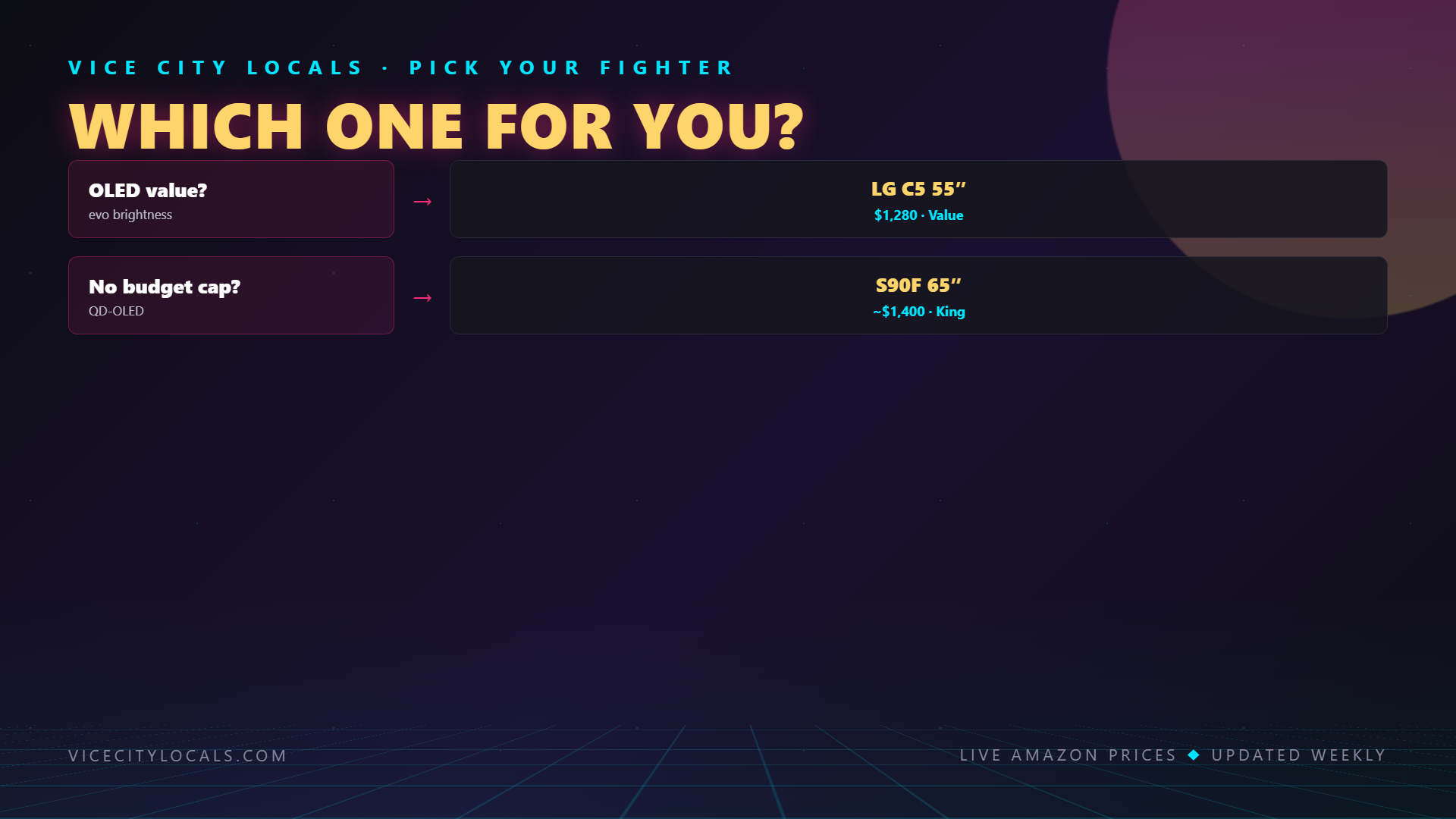
A: QD-OLED (Samsung S90F/S95F) is brighter and more colorful — better for HDR pop and bright rooms. WOLED (LG C5/G6) supports Dolby Vision — better for PS5 HDR gaming. For Xbox players, QD-OLED wins. For PS5 players, WOLED (or MLA) wins if Dolby Vision matters to you.
Q: Should I be worried about OLED burn-in from playing GTA 6?
A: No. Modern OLED panels include extensive burn-in prevention, and GTA 6’s varied open-world content is low-risk. As long as you don’t leave the game paused for hours on static screens, burn-in is extremely unlikely. Samsung and LG both offer warranty coverage for burn-in on their current OLEDs.
Q: What’s the best OLED TV for GTA 6 under $2,000?
A: The Samsung S90F (~$1,800 for 65″) is the best overall OLED under $2,000. If you specifically need Dolby Vision for PS5, the LG C5 (~$1,900 for 65″) is the pick.
Q: Is the Samsung S95F or LG G6 worth the premium over the S90F/C5?
A: For most players, no. The S95F and G6 offer incremental improvements (higher brightness, premium design) that don’t significantly change the GTA 6 gaming experience. The S90F and C5 deliver 95% of the flagship experience for 70–75% of the price.
Final Thoughts
OLED is the ultimate display technology for GTA 6’s visual showcase. Vice City’s neon-soaked nights, sun-drenched days, and everything in between look their absolute best on an OLED panel. Here are our final picks:
- Best overall OLED: Samsung S90F — Check Price (65″) (QD-OLED, 144Hz, brightest mainstream OLED)
- Best OLED for PS5 / Dolby Vision: LG C5 — Check Price (55″) | Check Price (65″) (WOLED, Dolby Vision, excellent VRR)
- Best premium OLED (QD-OLED): Samsung S95F (~$2,500 — brightest OLED, Slim One Connect design)
- Best premium OLED (MLA): LG G6 (~$2,200 — MLA brightness + Dolby Vision + 144Hz)
For most GTA 6 players, the Samsung S90F is the sweet spot. It delivers the best balance of brightness, color, contrast, and gaming performance — and at $1,800 for 65″, it’s more affordable than the flagship models. If Dolby Vision for PS5 is important to you, the LG C5 is the equally excellent alternative.
Whichever OLED you choose, Vice City is going to look absolutely breathtaking. Get your TV, enable Game Mode, and prepare for the most visually stunning GTA experience ever on November 19, 2026.
Related GTA 6 Guides
- Best TV for GTA 6 — Buying Guide
- Best TV for GTA 6 on Xbox
- Best TV for GTA 6 on PS5
- Best 120Hz TV — VRR & HDMI 2.1
Want GTA 6 news the second it drops? Join the Locals — our free newsletter. No spam, unsubscribe anytime.