Disclosure: As an Amazon Associate, vicecitylocals.com earns from qualifying purchases. This does not affect the price you pay.
Best GTA 6 Streaming Setup for Xbox — 2026
Last Updated: September 2026
Xbox streamers have a unique advantage and a unique headache when it comes to GTA 6 streaming. The advantage? The Xbox Series X is the most powerful console for GTA 6, pushing stunning visuals at high frame rates. The headache? VRR (Variable Refresh Rate) — a feature Xbox uses heavily — is notoriously difficult to pass through capture cards without introducing visual artifacts.
This guide is built specifically for Xbox GTA 6 streamers. We’ll cover when the built-in Xbox Twitch streaming is good enough, when you absolutely need a capture card, why VRR passthrough matters more for Xbox than any other platform, and which gear pairs best with the Xbox ecosystem.
Xbox Built-In Streaming: What It Can and Can’t Do
The Xbox Series X|S has a built-in Twitch broadcasting feature accessible from the guide menu. Here’s the honest truth about what it offers:
✅ What Built-In Streaming CAN Do:
- Stream gameplay directly to Twitch without a PC
- Use your headset mic for audio
- Basic bitrate management
- No additional hardware required
❌ What Built-In Streaming CANNOT Do:
- No custom overlays — no webcam frame, no recent followers, no scrolling text
- No alert boxes — viewers follow, subscribe, or donate and you see nothing on-screen
- No scene switching — you can’t cut between a “starting soon” screen, gameplay, and a “brb” screen
- No on-screen chat integration — you need a second device to read chat
- No multi-platform streaming — Twitch only, no simultaneous YouTube
- No stream deck control — everything is done through clunky controller menus
The Verdict: Built-in Xbox streaming is fine for a casual stream with friends. If you’re serious about building an audience around GTA 6, you need a capture card and OBS.
The VRR Problem: Why Xbox Streamers Need Special Capture Cards
This is the single most important technical consideration for Xbox GTA 6 streamers, and most guides completely gloss over it.
What is VRR? Variable Refresh Rate dynamically adjusts your display’s refresh rate to match the game’s frame rate. On Xbox Series X, VRR through FreeSync Premium and HDMI VRR eliminates screen tearing and stuttering. GTA 6, with its massive open world, benefits enormously from VRR.
The Capture Card Problem: When a capture card sits between your Xbox and your TV, it needs to pass the VRR signal through without mangling it. Most capture cards do NOT support VRR passthrough. If you use one of those cards with VRR enabled on your Xbox, you’ll get:
- Flickering artifacts on your captured stream
- Frame drops in OBS
- Inconsistent frame pacing
- Visual stutter on the pass-through signal to your TV
The only capture card that properly supports VRR passthrough is the Elgato 4K X. This isn’t a minor feature — it’s the difference between a smooth, professional stream and one that looks broken.
Capture Card Recommendations for Xbox
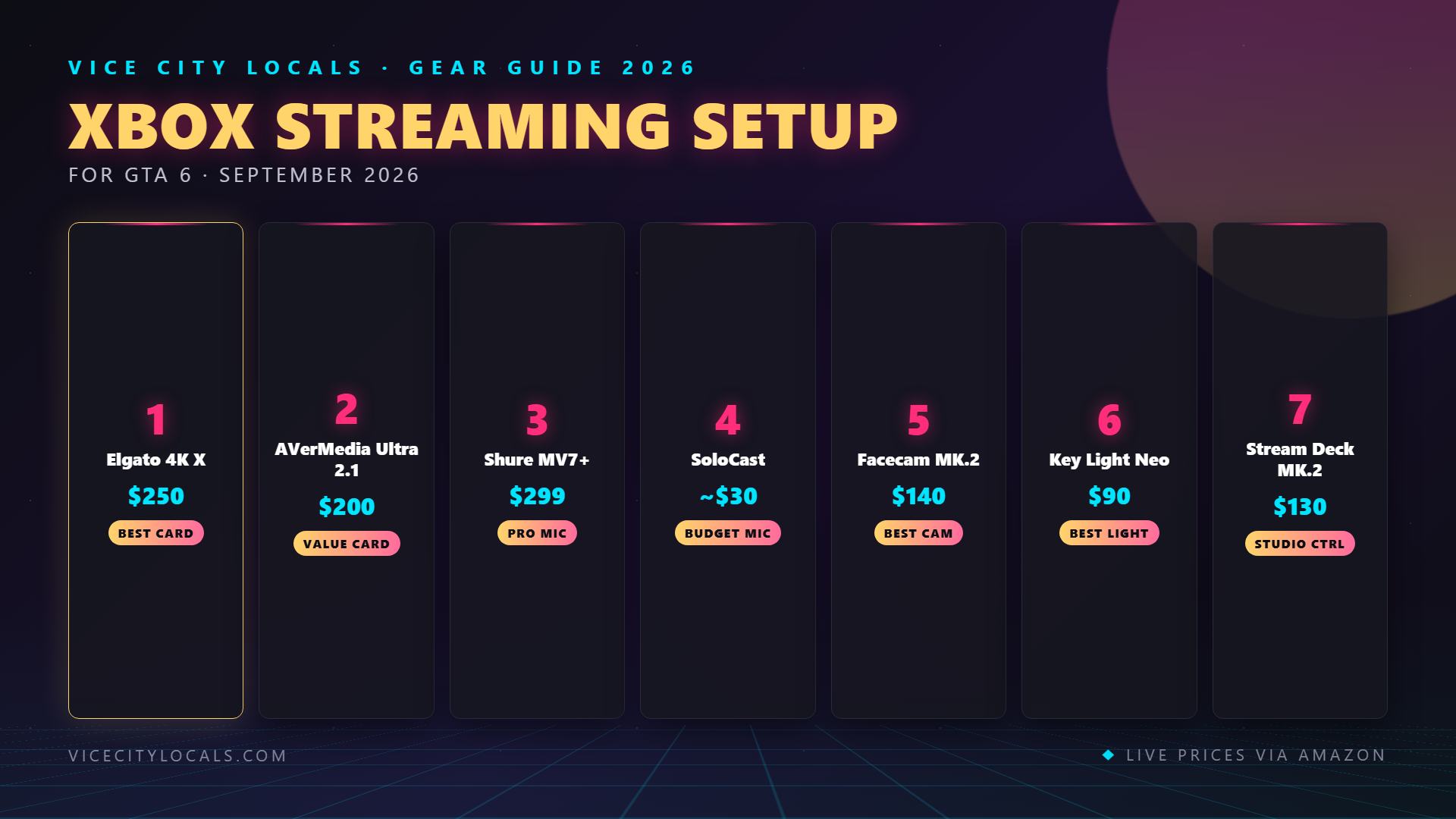
🏆 Top Pick: Elgato 4K X (The Only VRR Option)
| Spec | Details |
|---|---|
| Capture Resolution | Up to 4K144 |
| Passthrough Resolution | Up to 4K144 |
| VRR Passthrough | ✅ Yes (Critical for Xbox) |
| HDMI Version | 2.1 |
| HDR | ✅ HDR10 |
| Connection | USB 3.2 |
| Price | ~$209 |
If you’re streaming GTA 6 on Xbox Series X with VRR enabled (and you should be), the Elgato 4K X is not the “best option” — it’s the only option that won’t introduce artifacts. HDMI 2.1 support means full 4K120 passthrough, matching the Xbox Series X’s maximum output.

Budget Alternative: Elgato HD60 X
| Spec | Details |
|---|---|
| Capture Resolution | 1080p60 |
| Passthrough Resolution | 1080p60 |
| VRR Passthrough | ❌ No |
| HDMI Version | 2.0 |
| HDR | ✅ HDR10 |
| Connection | USB 3.0 |
| Price | ~$150 |
If you absolutely can’t stretch to the 4K X, the HD60 X is a solid 1080p60 capture card. However, you’ll need to disable VRR on your Xbox to avoid capture artifacts. This means accepting minor screen tearing in GTA 6 on your TV. It’s a compromise — but at $150, it’s a manageable one for budget streamers.

Power User Option: Elgato 4K Pro (PCIe Internal)
| Spec | Details |
|---|---|
| Capture Resolution | 4K60 |
| Passthrough Resolution | Up to 8K60 |
| VRR Passthrough | ❌ No |
| HDMI Version | 2.1 |
| HDR | ✅ HDR10 |
| Connection | PCIe (Internal) |
| Price | ~$270 |
The 4K Pro installs inside your PC via PCIe, offering the lowest possible capture latency and 8K60 passthrough. However, no VRR passthrough — same limitation as the HD60 X. Choose this only if you have a desktop PC with a free PCIe slot and don’t use VRR.

Capture Card Comparison for Xbox Streamers
| Card | VRR Pass. | 4K Capture | Price | Best For |
|---|---|---|---|---|
| Elgato 4K X | ✅ | ✅ (4K144) | ~$209 | Xbox w/ VRR (Best Overall) |
| Elgato HD60 X | ❌ | ❌ (1080p60) | ~$150 | Budget 1080p streamers |
| Elgato 4K Pro | ❌ | ✅ (4K60) | ~$270 | Desktop PCIe users |
| AVerMedia Live Gamer Ultra S | ❌ | ✅ (4K) | ~$140 | Budget 4K capture |

The Rest of Your Xbox Streaming Kit
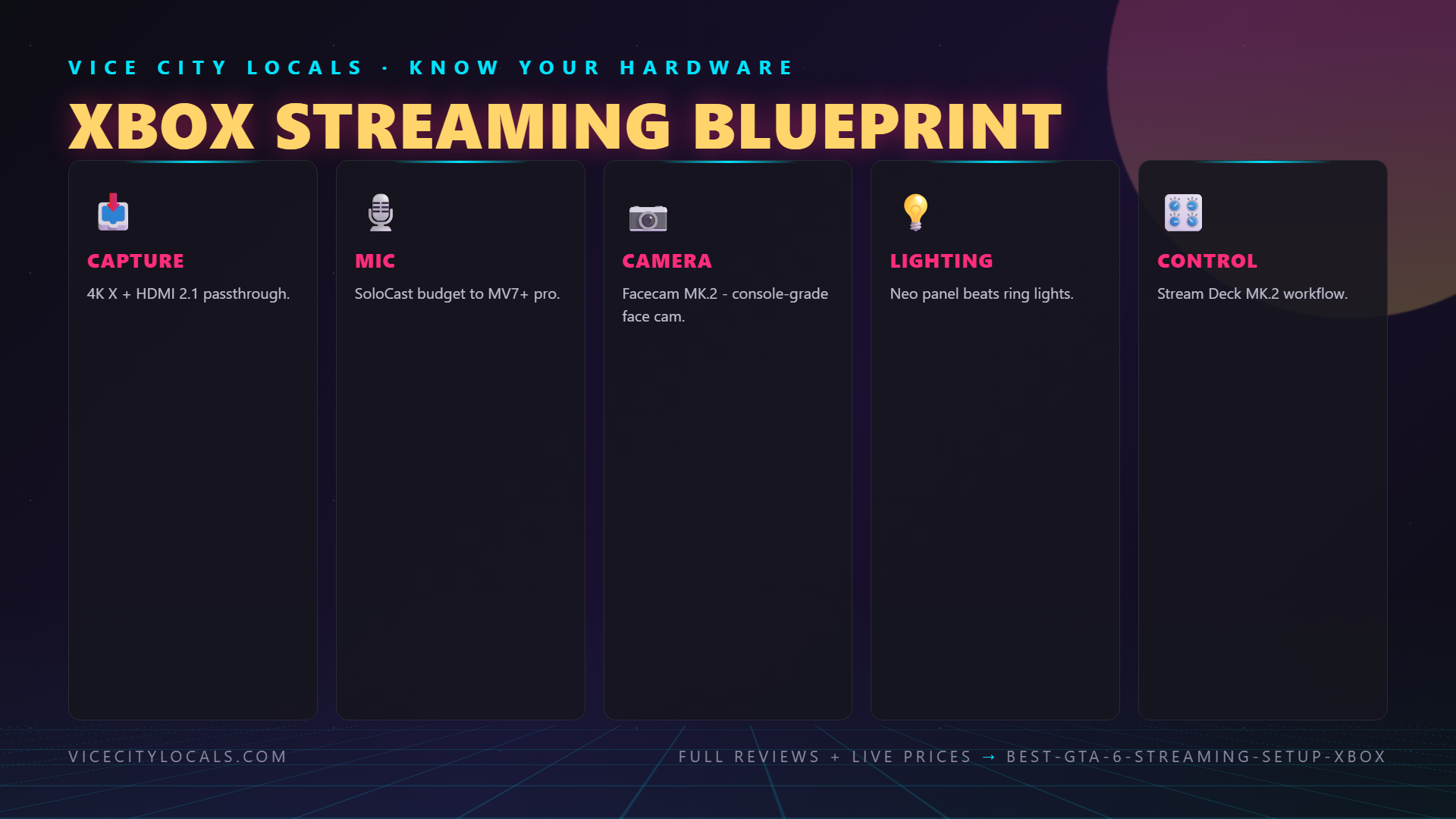
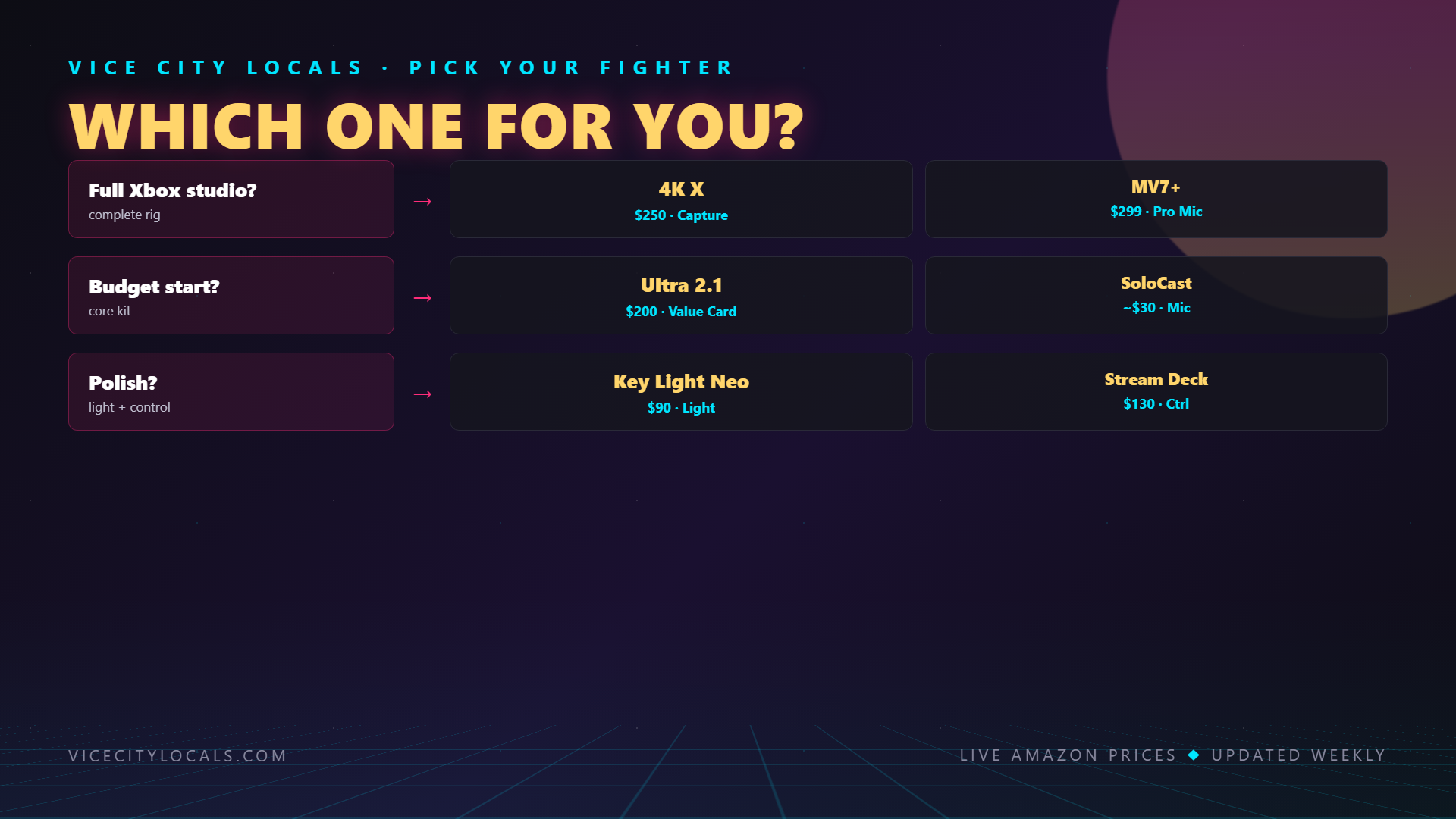
Once your capture card is sorted, here’s what else you need for a complete Xbox GTA 6 streaming setup:
Microphone: Shure MV7+
The Shure MV7+ is a USB/XLR hybrid, meaning it plugs directly into your streaming PC now and can be upgraded to a professional XLR chain later. Auto-leveling keeps your voice consistent even when you get loud during a GTA 6 police chase.

Budget alternative: HyperX SoloCast (~$40) — surprisingly good for the price.

Webcam: Elgato Facecam
1080p60 with a fast lens designed for streaming. Since Xbox streamers run OBS on a separate PC, the Facecam plugs into that same PC alongside the capture card — everything goes through one machine.

Lighting: Logitech Litra Glow (Budget) or Elgato Key Light Air (Premium)
Even the best webcam looks terrible without good lighting. The Litra Glow clips to your monitor and delivers soft, even light for ~$50. If you want premium, the Key Light Air offers app control and more brightness.
- 💡 Logitech Litra Glow — ~$50
- 💡 Elgato Key Light Air — ~$130
Stream Deck: Elgato Stream Deck MK.2
Switch scenes, manage alerts, trigger sound effects during GTA 6 moments — all without alt-tabbing away from your Xbox feed.


Xbox-Specific Streaming Settings for GTA 6
When setting up OBS with your Xbox capture card, use these recommended settings:
| Setting | Recommended Value |
|---|---|
| Capture Resolution | 1080p60 or 4K60 (downscale for stream) |
| Stream Output | 1080p60 |
| Video Bitrate | 6000 kbps (Twitch) / 10,000+ kbps (YouTube) |
| Encoder | NVENC (if streaming PC has NVIDIA GPU) |
| Audio Bitrate | 160 kbps |
| Keyframe Interval | 2 seconds |
Important Xbox Setting: Go to Settings → General → TV & display options → Video modes and make sure: – Allow 4K ✅ (if your TV supports it) – Allow HDR10 ✅ – Allow variable refresh rate (VRR) ✅ — but ONLY if using the Elgato 4K X. Disable if using any other capture card.
FAQ
Can I stream GTA 6 on Xbox without a capture card? Yes, using the built-in Twitch app. But you won’t have overlays, alerts, or scene control. It’s fine for casual streaming, not for building a channel.
Why does VRR matter so much for Xbox streaming? Xbox uses FreeSync and HDMI VRR to smooth out frame delivery in demanding games like GTA 6. If your capture card doesn’t support VRR passthrough, you’ll get flickering, dropped frames, and visual artifacts on both your stream and your TV.
Do I need a separate PC to stream from Xbox? Yes, to use OBS with overlays and alerts, you need a PC to run OBS and process the capture card signal. It doesn’t need to be a gaming PC — a mid-range laptop or desktop works fine for encoding.
Can I use my Xbox headset mic for streaming? You can, but it won’t sound great. The built-in Twitch stream will pick up your headset mic, but dedicated USB/XLR mics sound significantly better. If you’re using a capture card, use a dedicated mic connected to your streaming PC.
Should I get the Elgato 4K X or HD60 X for Xbox? If you use VRR (and you should for GTA 6), get the 4K X. It’s the only card with proper VRR passthrough. If you don’t care about VRR and stream at 1080p, the HD60 X saves you ~$60.
Final Thoughts
Xbox GTA 6 streamers face a unique technical hurdle with VRR that PS5 and PC streamers don’t have to worry about as much. The good news? The solution is straightforward: get the Elgato 4K X, enable VRR on your Xbox, and enjoy artifact-free capture of one of the most visually stunning games ever made.
Start your Xbox GTA 6 streaming build here:
- 🎮 Elgato 4K X (VRR Passthrough)
- 🎙️ Shure MV7+ Microphone
- 📷 Elgato Facecam
- 💡 Logitech Litra Glow
- ⌨️ Elgato Stream Deck MK.2
Get your gear sorted before November 19, 2026 — because GTA 6 launch day is going to be chaos, and you want your stream to look flawless when the eyeballs arrive. 🔥
Related GTA 6 Guides
- Best GTA 6 Streaming Setup Overall
- Best Capture Cards for GTA 6
- Best GTA 6 Controllers for Xbox
- Best Headphones for GTA 6 Xbox
- Best GTA 6 Setup for Xbox — Complete
Want GTA 6 news the second it drops? Join the Locals — our free newsletter. No spam, unsubscribe anytime.