Disclosure: As an Amazon Associate, vicecitylocals.com earns from qualifying purchases. This does not affect the price you pay.
Best Lighting for GTA 6 Streaming — 2026
Last Updated: September 2026
Here’s a truth that most streaming guides bury at the bottom: lighting matters more than your camera. A $40 webcam with great lighting looks better than a $300 webcam with bad lighting. Yet most streamers drop hundreds on a camera and then sit in a dim room with a single overhead bulb casting shadows across half their face.
GTA 6 streams are going to be long — we’re talking 4, 6, 8-hour sessions exploring Vice City. Your viewers are going to be staring at your facecam for hours. Good lighting isn’t vanity; it’s viewer retention. This guide covers everything you need to know about stream lighting, from budget single-light setups to professional three-point configurations.
Why Lighting Is the Hardest Streaming Problem (and the Cheapest to Fix)
Audio is the most important factor in whether viewers stay. Lighting is the most important factor in how professional your stream looks. And here’s the beautiful irony: lighting is also one of the cheapest upgrades you can make.
A single $50 light panel can transform your stream from “dude in a dark bedroom” to “professional content creator.” No other piece of streaming gear offers that kind of return on investment.
The key principles:
- Diffused light > direct light — Soft, spread-out light flatters your face. Harsh direct light creates unflattering shadows.
- Consistent color temperature — All your lights should be the same color temperature (measured in Kelvin). Mixing warm and cool lights looks amateur.
- More light = better — Webcams have tiny sensors. They need lots of light to produce clean, noise-free images.
- Light placement matters — Where you put the light is as important as which light you buy.
Understanding Color Temperature: The 5500K Sweet Spot
Color temperature is measured in Kelvin (K). Here’s what different temperatures look like on camera:
| Temperature | Appearance | Use Case |
|---|---|---|
| 2700K–3000K | Warm orange/yellow | Cozy, intimate vibe (not ideal for streaming) |
| 4000K | Neutral white | Natural daytime look |
| 5500K | Daylight white | Ideal for streaming |
| 6500K+ | Cool blue-white | Clinical, slightly harsh |
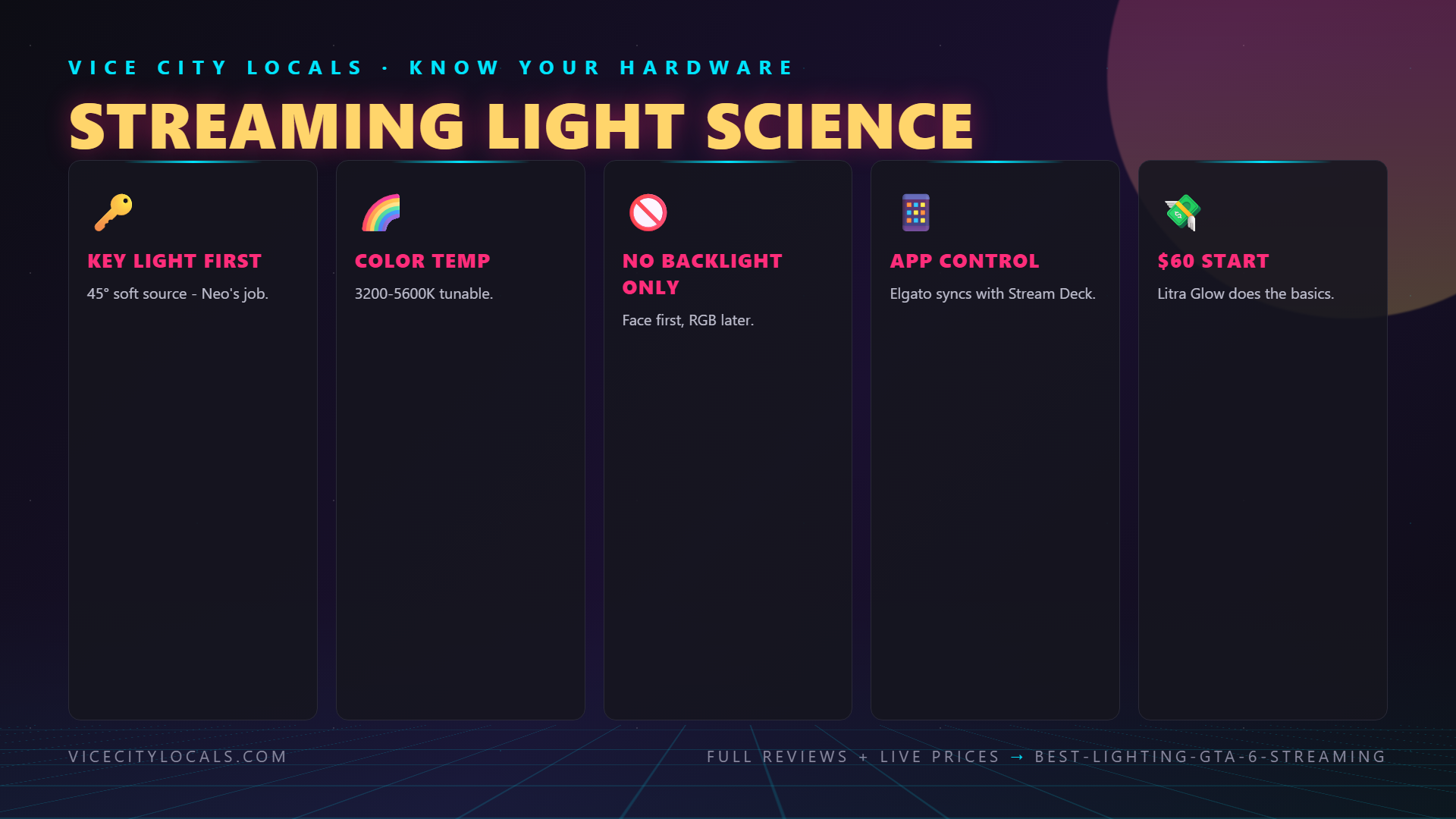
5500K is the streaming sweet spot. It mimics natural daylight, makes skin tones look healthy and natural, and pairs perfectly with webcam auto white balance. Every light we recommend can hit 5500K.
The Lighting Options: From Budget to Pro
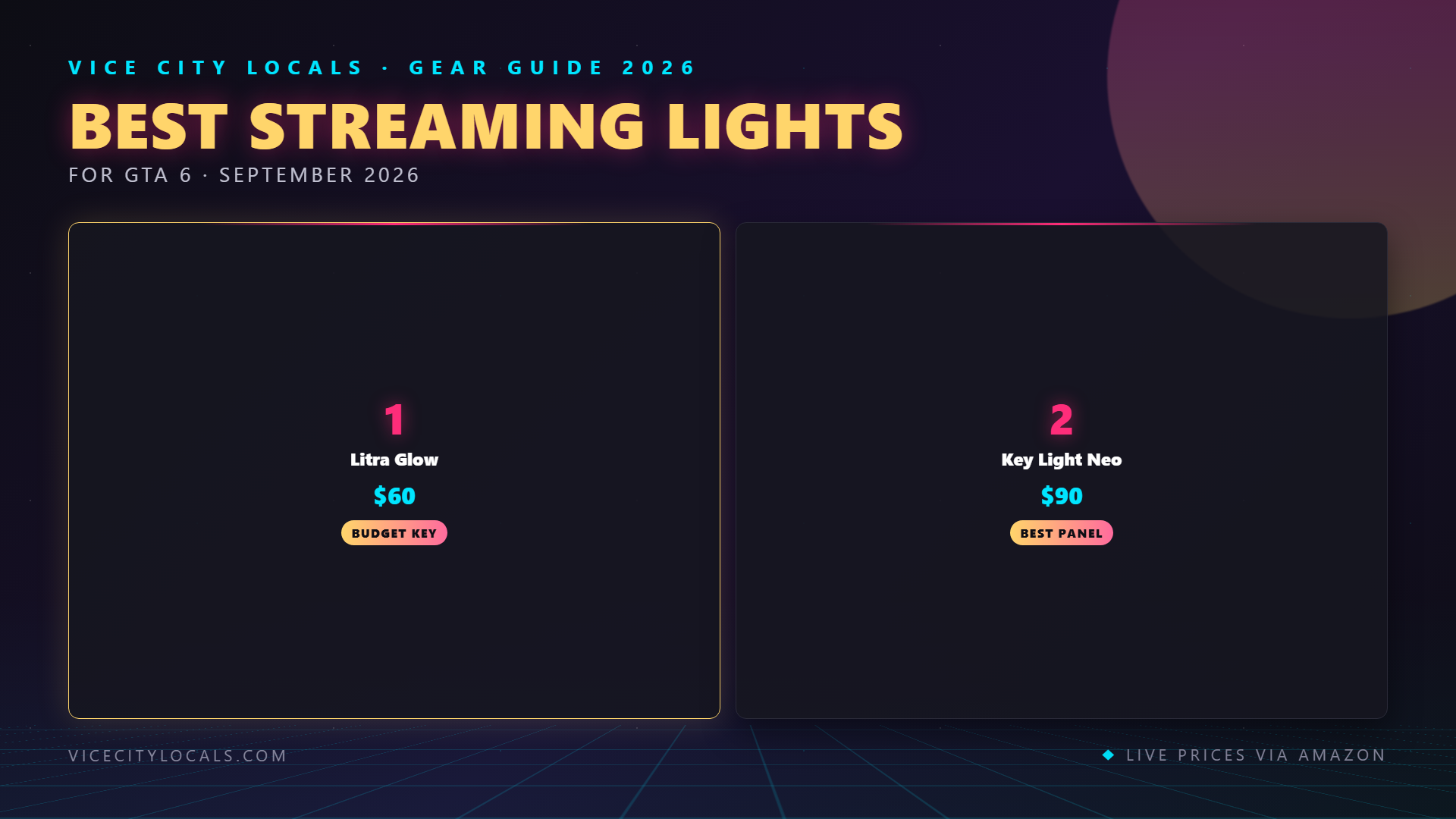
1. Logitech Litra Glow — The Budget Champion

| Spec | Details |
|---|---|
| Brightness | 250 lux at 0.5m |
| Color Temperature | Adjustable 2700K–6500K |
| Diffusion | TrueSoft technology |
| Mounting | Clip-on monitor mount |
| Size | Compact panel |
| Price | ~$50 |
The Litra Glow is the single best value upgrade in all of streaming gear. For $50, you get a diffused LED panel that clips onto your monitor, adjusts from warm to cool, and delivers enough light to dramatically improve any webcam.
Best for: Streamers on a budget, small desk setups, anyone who currently has zero dedicated lighting.
How to use it: Mount it on top of your monitor, directly behind or above your webcam. Set it to 5500K and 80–100% brightness. Position it so the light hits your face evenly without creating harsh shadows on your nose or under your eyes.
Limitation: It’s a single light. It will eliminate the “dark room” problem but won’t create the dimensional, professional look of a multi-light setup. For that, you need the next tier.
2. Elgato Key Light Air — The Professional Standard

| Spec | Details |
|---|---|
| Brightness | 1400 lumens (up to 2500 lux at 0.5m) |
| Color Temperature | Adjustable 2900K–7000K |
| Diffusion | Edge-lit LED with diffuser |
| Mounting | Threaded mount (stand or wall mount) |
| Control | Wi-Fi app, Stream Deck, Elgato Control Center |
| Size | 14.5″ × 7.8″ panel |
| Price | ~$130 each |
The Key Light Air is what you see on the desks of most professional streamers. The larger panel area produces softer, more even light than the Litra Glow. The Wi-Fi app and Stream Deck integration lets you adjust brightness and color temperature without reaching for a physical dial — tap a Stream Deck key and your lights dim for a “chill” scene, or brighten for high-energy GTA 6 action.
Best for: Streamers who want a polished, professional look and already own (or plan to buy) a Stream Deck.
You’ll want two of these — one as your key light (main light, positioned at a 45° angle to your face) and one as a fill light (opposite side, lower brightness) to soften shadows. Budget ~$260 for a pair.
3. Ring Lights — The Content Creator Classic
Ring lights aren’t in our specific product lineup, but they deserve a mention because they’re incredibly popular and widely available.
| Pros | Cons |
|---|---|
| Even, shadow-free face lighting | Creates circular reflection in glasses/eyes |
| Affordable (many options under $40) | Single-direction light — no dimensionality |
| Easy to set up | Can look flat/washed out |
| Phone mount included on many models | Not as professional as panel lights |
Our take: Ring lights are fine for beginners, but they produce a “flat” look that screams amateur compared to properly positioned panel lights. If you already own one, use it as a fill light and add a panel light as your key light.
4. Softbox Lights — The Cinema Approach
Softbox lights use a larger diffusion surface to create extremely soft, flattering light. They’re what professional photographers and videographers use.
| Pros | Cons |
|---|---|
| Most flattering light possible | Bulky — takes up significant room |
| Creates depth and dimension | Longer setup time |
| Professional look | Harder to adjust on the fly |
| Great for larger rooms | Typically not app-controllable |
Our take: Softboxes are overkill for most game streamers. They’re worth considering if you have a dedicated streaming room and want the absolute best face-cam quality possible. Otherwise, dual Key Light Airs deliver 90% of the benefit at a fraction of the hassle.
Three-Point Lighting: The Technique That Changes Everything
Regardless of which lights you buy, how you position them matters as much as which ones you choose. Three-point lighting is the standard technique used in film, TV, and professional streaming. Here’s how to set it up:
Light 1: Key Light (Your Main Light)
- Position: 45° to one side of your face, slightly above eye level, angled down
- Brightness: 80–100%
- Purpose: Primary illumination — this is the main light shaping your face
Light 2: Fill Light (Shadow Softener)
- Position: Opposite side from the key light, at face level
- Brightness: 30–50% of key light brightness
- Purpose: Softens the harsh shadows created by the key light
Light 3: Back Light / Rim Light (Optional but Pro)
- Position: Behind you, angled at the back of your head/shoulders
- Brightness: 50–70%
- Purpose: Separates you from the background, adds a professional “glow” around your edges
How to Achieve This on a Budget:
- 1 light (Litra Glow): Mount above webcam as a frontal key light. Better than nothing.
- 2 lights (2× Litra Glow or 1 Key Light Air + 1 Litra Glow): Key light at 45°, second light at low brightness as fill. Huge improvement.
- 3 lights (2× Key Light Air + 1 Litra Glow or ring light): Full three-point setup. Professional streamer look.
Lighting Setup Tips by Room Size
Small Room / Bedroom Setup (Under 100 sq ft)
- A single Litra Glow mounted on your monitor is usually sufficient
- Position your desk so you face a window for natural fill light during daytime
- Keep your background simple — lights will illuminate clutter
- Use a dark wall behind you to create contrast
Medium Room / Home Office (100–200 sq ft)
- Two light setup: Key Light Air (key) + Litra Glow (fill) or 2× Litra Glow
- Mount key light on a stand at 45° rather than on monitor for better angle
- Consider a subtle background light (LED strip behind monitor) for depth
Large Room / Dedicated Stream Room (200+ sq ft)
- Full three-point setup: 2× Key Light Air + 1 Litra Glow as back light
- Use stands rather than monitor clips for precise positioning
- Add RGB bias lighting behind you for visual interest
- Consider a softbox as your key light for maximum diffusion
Comparison: All Lighting Options at a Glance
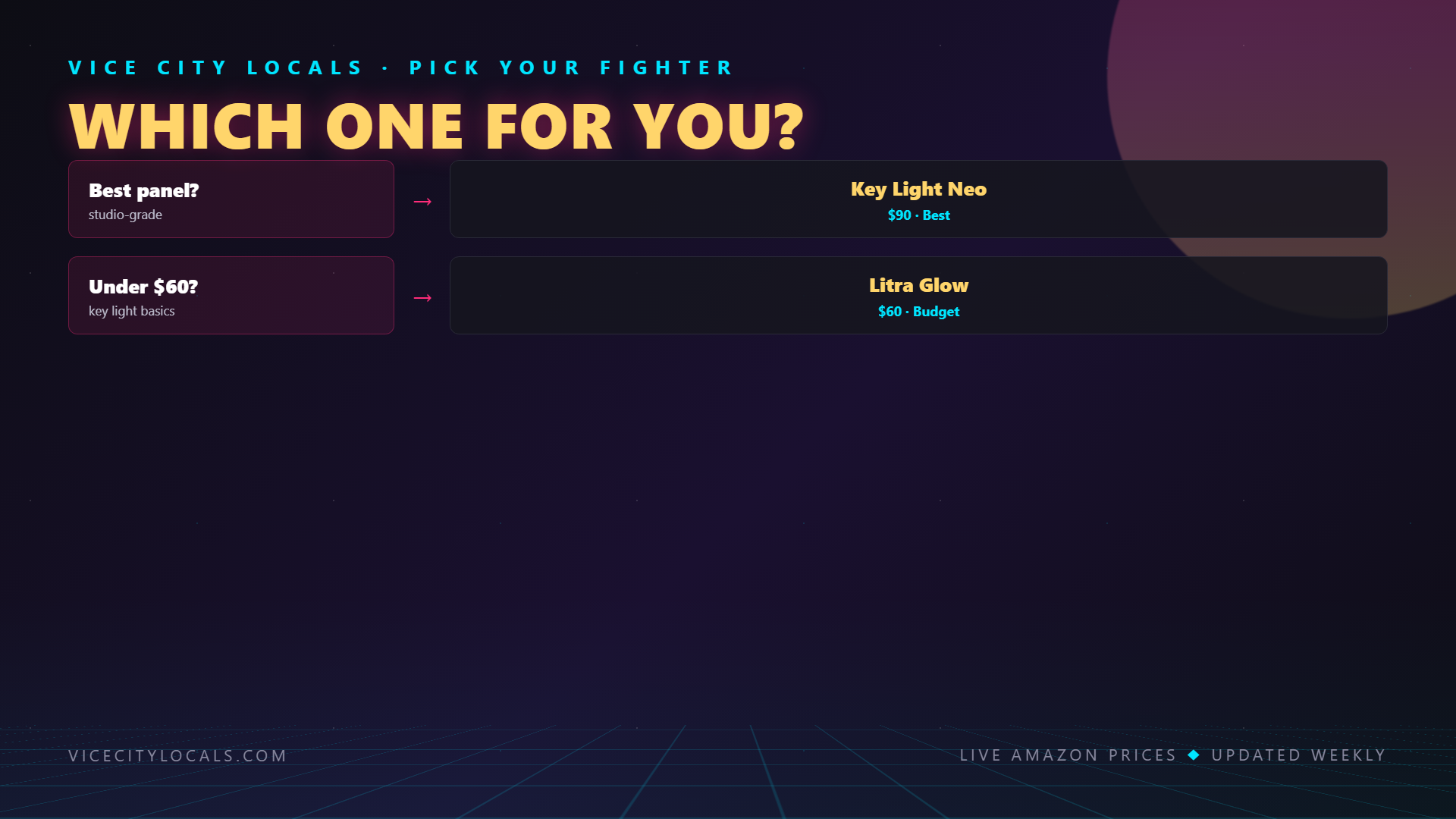
| Light | Brightness | Color Temp Range | Control | Price | Best For |
|---|---|---|---|---|---|
| Logitech Litra Glow | 250 lux | 2700K–6500K | Manual/Software | ~$50 | Budget, small spaces |
| Elgato Key Light Air | 1400 lumens | 2900K–7000K | Wi-Fi App/Stream Deck | ~$130 | Pro, medium-large spaces |
| Ring Light (generic) | Varies | Usually fixed | Manual | $20–$50 | Beginners, flat look |
| Softbox Kit (generic) | Varies | Usually 5500K fixed | Manual | $50–$150 | Cinema-quality, large rooms |
Common Lighting Mistakes to Avoid
- Using overhead lighting only — Creates raccoon-eye shadows. Always add a frontal light source.
- Mixing color temperatures — A warm lamp on one side and a cool LED on the other makes you look sick. Match all lights to 5500K.
- Too far away — Webcams need lots of light. If your image still looks grainy, move the light closer, not brighter.
- Lighting the background more than your face — Your face should always be the brightest thing in frame.
- Forgetting about your background — Even great face lighting looks bad against a cluttered, dark, or distracting background. Tidy up and add a subtle backlight.
FAQ
Do I need lighting if I have a good webcam? Yes. Even the Elgato Facecam with its fast lens needs adequate light to produce a clean image. No webcam can overcome bad lighting — the tiny sensors in webcams simply need more photons than your eyes do.
What brightness should I set my lights to? Start at 80% and adjust based on your webcam image. If your face looks blown out (overexposed), reduce to 60%. If the image looks grainy/noisy, increase to 100% or move the light closer.
Can I use natural window light for streaming? You can, and it looks fantastic — but it’s inconsistent. Cloud cover, time of day, and seasons all change the light. Use natural light as a supplement to artificial lighting, not a replacement.
Do I need a Stream Deck to use Elgato Key Light Air? No — the Key Light Air works with Elgato’s free Control Center app on your phone or PC. But if you have a Stream Deck, the integration is excellent: one tap changes brightness and color temperature for scene transitions.
How many lights do I actually need? One light (Litra Glow) is the minimum. Two lights (key + fill) is the sweet spot for most streamers. Three lights (key + fill + back) gives you a professional broadcast look. Beyond three is unnecessary unless you’re doing IRL streaming or multi-camera setups.
Will LED panel lights heat up my room? No. LED panels like the Litra Glow and Key Light Air are extremely efficient and produce negligible heat. You can stream for 8 hours with them on without noticing any temperature increase.
Final Thoughts
Lighting is the cheapest way to dramatically upgrade your stream’s visual quality. A $50 Litra Glow does more for your stream than a $200 camera upgrade. If you’re building a GTA 6 streaming setup on a budget, make lighting one of your first purchases — right after your microphone.
Light up your stream:
Get your lighting sorted before November 19, 2026 — because Vice City looks incredible in HDR, and your facecam should look just as good. 💡
Related GTA 6 Guides
- Best GTA 6 Streaming Setup Overall
- Best Microphones for GTA 6 Streaming
- Best Capture Cards for GTA 6
- Best Gaming Desk Setup for GTA 6
Want GTA 6 news the second it drops? Join the Locals — our free newsletter. No spam, unsubscribe anytime.